Best VPN for iPhone and iPad: What Actually Matters
The best VPN application for iPhone depends less on flashy promises than on your priorities: privacy, cost, simplicity, streaming, or control. The details per service are in our reviews of each service.
Choose a paid plan if you need dependable everyday protection.
Check device limits before covering an iPhone, iPad, and other household devices.
Treat free VPNs as occasional tools, not automatic privacy upgrades.
Look for clear privacy policies, modern protocols, and usable iOS controls.
Test speed, battery impact, streaming access, and reliability on your own network.
1. NordVPN: Best overall VPN application for iPhone
If you want one sensible starting point, this is the strongest all-round category fit. The app should make connecting on an iPhone quick while still giving you meaningful privacy controls when you need them. You should also judge it by how consistently it works when you move between home Wi-Fi, mobile data, and public networks.
The useful question is not whether a provider lists the most features. Ask whether the features are understandable, whether the connection remains stable, and whether the service explains its logging position clearly. A VPN cannot make every online action anonymous, and it does not replace careful account security or software updates. For a side-by-side view, see the full VPN comparison.
For background on setup, public Wi-Fi, and the limits of mobile VPN protection, you can read this iPhone VPN guide. It is a useful companion when you are comparing an app rather than simply looking for the most recognisable name. Everyday usability matters because a technically capable VPN is little help if you regularly forget to turn it on.

2. Surfshark: Best value for households with multiple Apple devices

A household often has more than one Apple device in active use: an iPhone in a pocket, an iPad on the sofa, and perhaps a laptop nearby. That makes simultaneous-device policy a practical buying criterion, not a minor pricing detail. Before subscribing, check the current terms and whether the plan fits the number of people and devices you actually want to protect.
Value also depends on how often the service will be used. If every member of the household needs protection, a plan that covers several devices can be easier to manage than separate subscriptions. If only one person occasionally uses a VPN, a cheaper single-user option may still be the more rational choice. For a side-by-side view, see our ExpressVPN review.
The app should remain straightforward for less technical users while leaving enough choice for someone who wants to select a location or protocol. A low headline price is not the same as good value when renewal terms, connection limits, or awkward account management create friction later.

3. ExpressVPN: Best for a polished, reliable iOS experience
A polished iOS experience starts with the basics: a clear connection state, a location selector that makes sense, and settings you can understand without consulting a manual. Reliability matters just as much. You want the VPN to reconnect predictably after switching networks, rather than discovering only later that traffic has been using your ordinary connection.
Speed should be assessed in context. A nearby server may feel fine for browsing while a distant location introduces delay, and an encrypted connection can behave differently on a congested hotel network than on fibre at home. Reviews that present one speed result as universal should be treated cautiously.
This option is a reasonable fit when you value a refined interface and broad, documented privacy positioning, but you should still read the policy and test the app during the cancellation or refund window where one is offered. A smooth design is useful; it is not evidence by itself that a service is the right privacy choice.
4. Proton VPN: Best privacy-focused VPN with a credible free tier
A free tier can be worthwhile when it has a clear purpose and does not depend on opaque data practices. Here, the relevant test is whether you can use the service without treating “free” as proof of unlimited performance, location choice, or streaming access. Free plans commonly impose practical restrictions even when they remain useful for basic protection.
The privacy case is stronger when a provider explains its business model, publishes understandable policies, and makes meaningful technical information available. The supplied material describes open-source apps, independent audits, and a freemium model, which are relevant signals for a privacy-minded reader. You should still verify current terms before relying on any feature.
The free option makes sense for occasional use on an iPhone or iPad, particularly when your immediate goal is protecting a connection on an unfamiliar network. For sustained streaming, frequent travel, or more location choice, compare the paid plan rather than assuming the free tier will meet every need.
5. Mullvad VPN: Best for minimizing personal-data collection
Some buyers begin with a simple question: what information must I provide to create and maintain the account? That is a sensible way to compare privacy services. You should read the registration, payment, logging, and support sections of the policy instead of relying on a slogan about anonymity.
Minimal-data design can reduce the amount of personal information connected to your VPN account, but it does not erase other identifiers created by websites, apps, payment providers, or your own accounts. A VPN mainly changes how your connection is routed and who can see certain network details. It cannot prevent tracking that occurs after you sign in.
This is the right kind of service to examine when data minimisation is more important to you than a glossy app or the broadest set of extras. Balance that preference against convenience: a privacy-focused account model may feel less familiar, and you should be comfortable with the available payment and recovery process before committing.
6. IVPN: Best for straightforward privacy controls
Straightforward controls are valuable because iOS VPN settings can otherwise become a collection of unfamiliar switches. You should be able to identify the connection status, choose a location, understand automatic connection behaviour, and find the settings that affect how the app handles interruptions.
A good privacy control is one you can explain in your own words. If a feature changes routing, blocks traffic during a failure, or selects a different server, the app should make that consequence clear. More options are not automatically better when they make ordinary use confusing.
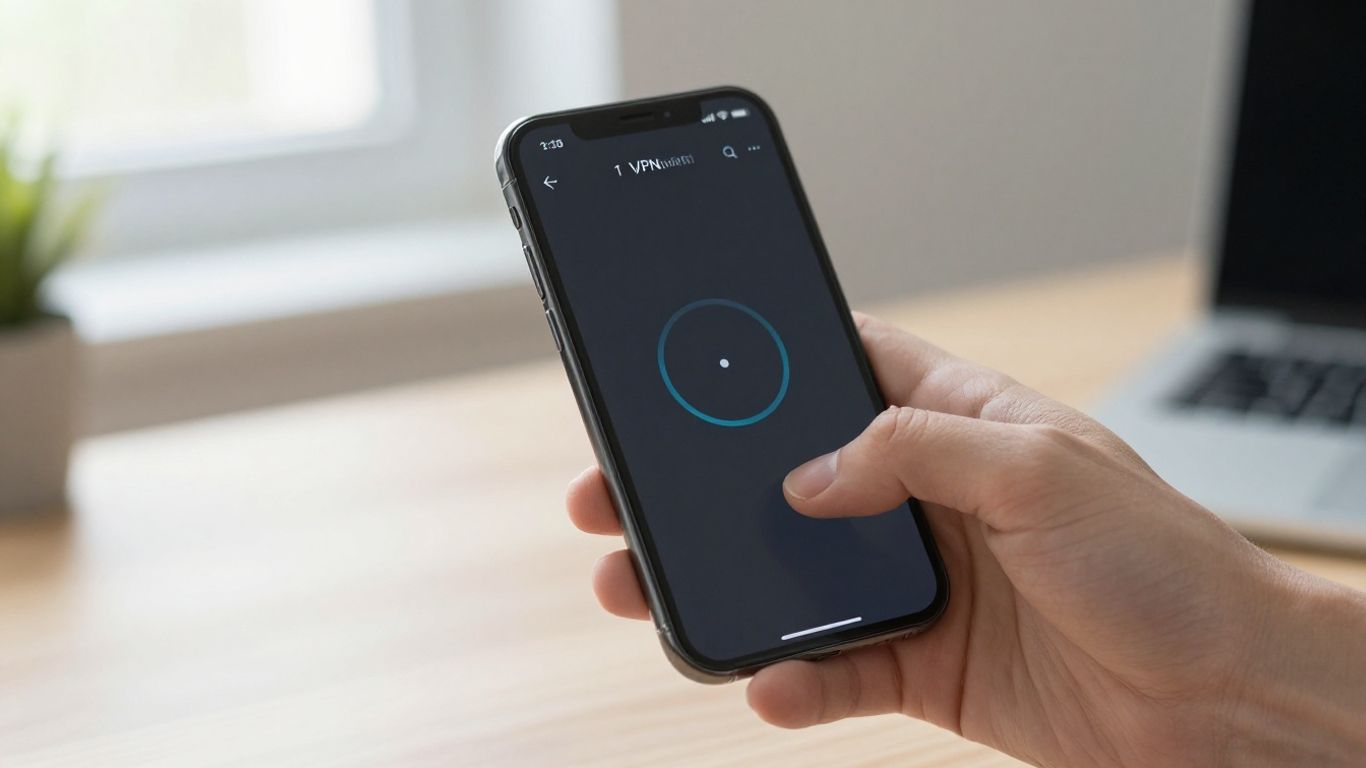
Look for a service whose interface supports your actual routine. If you connect only on public Wi-Fi, you may need a small set of dependable defaults; if you travel frequently, location and reconnection behaviour may deserve closer attention. The best fit is the one you can operate correctly without guesswork.
7. Private Internet Access: Best for advanced users and flexible settings
Advanced users often want more control over protocols, connection behaviour, and the balance between speed and privacy. That flexibility can be useful on an iPhone or iPad, but it also creates more opportunities to choose a setting without understanding its trade-off. You should change one setting at a time and observe what happens.
The supplied review material describes flexible customisation, multiple protocols, RAM-only servers, and a no-logs policy. Those are specific points to investigate rather than reasons to assume the service is universally superior. Jurisdiction and the use of virtual servers may also matter to your assessment, depending on your threat model.
A broad feature list is most valuable when you have a concrete reason to use it. If you only want one tap to protect an airport connection, advanced settings may be unnecessary. If you are comfortable troubleshooting and want room to tune the connection, flexibility can justify accepting a steeper learning curve.
8. CyberGhost VPN: Best for streaming-focused iPhone and iPad use
Streaming is a common reason to install a VPN, but it is also where expectations need the most restraint. Services change their detection methods, licences differ by country, and a server that works today may not work tomorrow. You should check the terms of the streaming service you use and avoid treating access as a permanent guarantee.
For an iPhone or iPad, usability still matters alongside location choice. You want a connection that starts quickly, does not cause constant buffering, and lets you return to ordinary browsing without hunting through complicated settings. Battery use and performance on mobile data deserve a real-world test rather than a desktop assumption.
A streaming-focused choice is sensible when that is genuinely your primary use. If privacy on public Wi-Fi or reducing exposure to your internet provider matters more, compare those requirements separately; entertainment access should not conceal weaknesses in the service’s policy or everyday reliability.
9. Windscribe: Best free VPN for occasional iOS protection
An occasional-use VPN has a narrow but legitimate role. You might use it while travelling, working from a café, or handling routine browsing on a network you do not control. In that situation, a free plan can be preferable to leaving the connection unprotected, provided you understand its limits.
Before choosing a free service, inspect the data allowance, available locations, speed restrictions, advertising model, and account requirements. The word “free” tells you the price, not the quality of the privacy arrangement. You should also confirm that the iOS app supports the version of iOS on your device.
The following checks keep a free plan from becoming a false sense of security:
Read the privacy policy and logging explanation.
Confirm whether the allowance suits your occasional use.
Test connection stability on both Wi-Fi and mobile data.
Check what happens when the free allowance is exhausted.
These checks are quick, and they give you a more realistic answer than an app-store rating alone. If your use becomes frequent, reassess whether a paid plan would offer a clearer and more dependable arrangement.
10. TunnelBear: Best VPN for beginners who want simple controls
Beginners usually need clarity before they need technical depth. A map, a prominent connection control, and plain-language settings can make the first experience less intimidating. You should still learn what the connection does, because a friendly interface does not mean the VPN covers every app, account, or privacy problem.
Simplicity is especially useful when you are helping a parent, partner, or less technical colleague set up an iPad. The person using the device should know how to connect, disconnect, recognise a failed connection, and find support. Those small actions matter more than a long list of features that never gets used.
When comparing beginner-friendly services, start with the routine you want to protect. If you need occasional public-network security, prioritise dependable defaults; if you need streaming or unusual routing options, accept that a more complex app may be unavoidable. Ease of use is a legitimate criterion, not a shortcut around privacy research.
Conclusion
The best VPN application for iPhone is the one that matches your actual use, explains its privacy terms plainly, and remains reliable enough that you will keep it enabled when it matters. Compare device coverage, free-plan limits, controls, performance, and streaming expectations, then test the shortlist on your own iPhone or iPad rather than trusting a universal winner.
Frequently Asked Questions
Does an iPhone need a VPN?
A VPN can help protect traffic on networks you do not control and can hide your IP address from websites that would otherwise see it directly. It does not replace strong passwords, software updates, secure websites, or careful app permissions.
Does a VPN protect every app on an iPhone?
Usually, a device-level VPN is intended to route traffic from the device, but behaviour can depend on the app, operating-system settings, and the service configuration. Check the provider’s documentation and test the apps that matter to you.
Can a VPN make an iPhone completely anonymous?
No. A VPN can change your apparent IP address and protect the connection between your device and the VPN server, but logged-in accounts, browser fingerprints, cookies, payments, and other identifiers can still connect activity to you.
Are free VPNs safe to use?
Some free VPNs may be suitable for limited use, but you should examine their privacy policy, funding model, restrictions, and technical controls. Do not assume that a free download provides the same service, capacity, or accountability as a paid plan.
Will a VPN slow down an iPhone?
It can. Encryption, server distance, network congestion, and the chosen protocol may affect speed and battery use. A nearby server and a stable network often produce a better experience, but your own testing is more useful than a generic speed claim.
Can a VPN access every streaming service?
No. Streaming platforms actively manage VPN access, and catalogues vary by region and licensing agreement. A provider may work with one service or location and fail with another, so access should never be treated as permanent.
What should you check before subscribing?
Review the privacy policy, supported iOS versions, device rules, server and location options, refund terms, free-plan limits, and connection controls. Then test the service on the networks and apps you actually use.
Related reading
Our fuller treatment of the platform is in everything you need to know about a VPN on iPhone.
For a provider with audited terms and a free plan to test on, see our Proton VPN review.
How the providers compare on privacy and price is in the ranking.
If you make a purchase via one of these links, we may earn a commission, at no extra cost to you. Learn More

