Windscribe Review: The Free Plan, Pricing and Limits

This review focuses on the free plan first, then examines what changes when you pay. The practical question is whether the limits fit your habits.

  • The free plan includes 10GB of data under the conditions described in the available source material.

  • Paid pricing is listed as $9 per month or $69 per year for Pro.

  • Build-a-Plan starts at $3 per month, with unlimited data described as a $1 add-on.

  • Privacy features include a no-logs claim, multiple VPN protocols and R.O.B.E.R.T. blocking. That comparison is set out in what happened to Atlas VPN.

  • The service is easiest to recommend when you value a generous trial tier and flexible configuration more than extensive support.

What Windscribe is and how this review assesses it

A review of windscribe vpn should answer more than whether an app connects. You need to know what the free allowance covers, what a subscription costs, and whether the privacy claims are supported by evidence. The available material presents the service as a privacy-focused VPN with free and paid apps, but some details vary between third-party reports, so this assessment keeps firm facts separate from testing impressions. What each provider claims about this is covered in the full VPN comparison.

Windscribe’s VPN network and supported platforms

The available sources describe a network spread across more than 100 locations, with figures ranging from 124 locations to 134 or more servers in third-party reviews. That difference is enough reason not to treat a precise server count as permanent. You can use the service through desktop and mobile apps, browser extensions, and router-related setups are discussed in the wider product coverage, although the supplied material does not establish a complete router compatibility list.

The practical point is coverage rather than a headline number. A nearby location normally gives you a better chance of lower latency, while a distant location may be useful for location-based access. If you want broader background before choosing any VPN, this VPN resource explains the basic decisions without reducing them to a single “best” answer.

The company’s privacy model and ownership

The source material identifies the company as being based in Canada and describes a strict no-logging position. That is a policy claim, not automatic proof that every technical and operational risk has disappeared. You should therefore read the privacy policy, check the company’s transparency material, and distinguish between data needed to run an account and activity logs created by a VPN service.

Ownership and jurisdiction matter because legal obligations can affect how a provider responds to valid requests. They do not, by themselves, prove that a service is unsafe or safe. Your decision should rest on the combination of jurisdiction, published policy, technical design and independent evidence.

Testing criteria for speed, security, streaming and usability

This review assesses the service by separating four questions: does it connect reliably, does it protect traffic with current protocols, does it work for the activities you actually perform, and can you operate the apps without constant troubleshooting? Third-party testing describes fast WireGuard performance, strong streaming results on the paid version and a capable free app, but those findings are not a guarantee for your connection or location.

Security also needs a wider lens than encryption. A kill switch, protocol choice, account design, blocking tools and support quality all influence day-to-day risk. That is why the rest of this review treats performance and convenience as useful evidence, not as substitutes for reading the underlying privacy claims.

Windscribe’s free plan: What you actually get

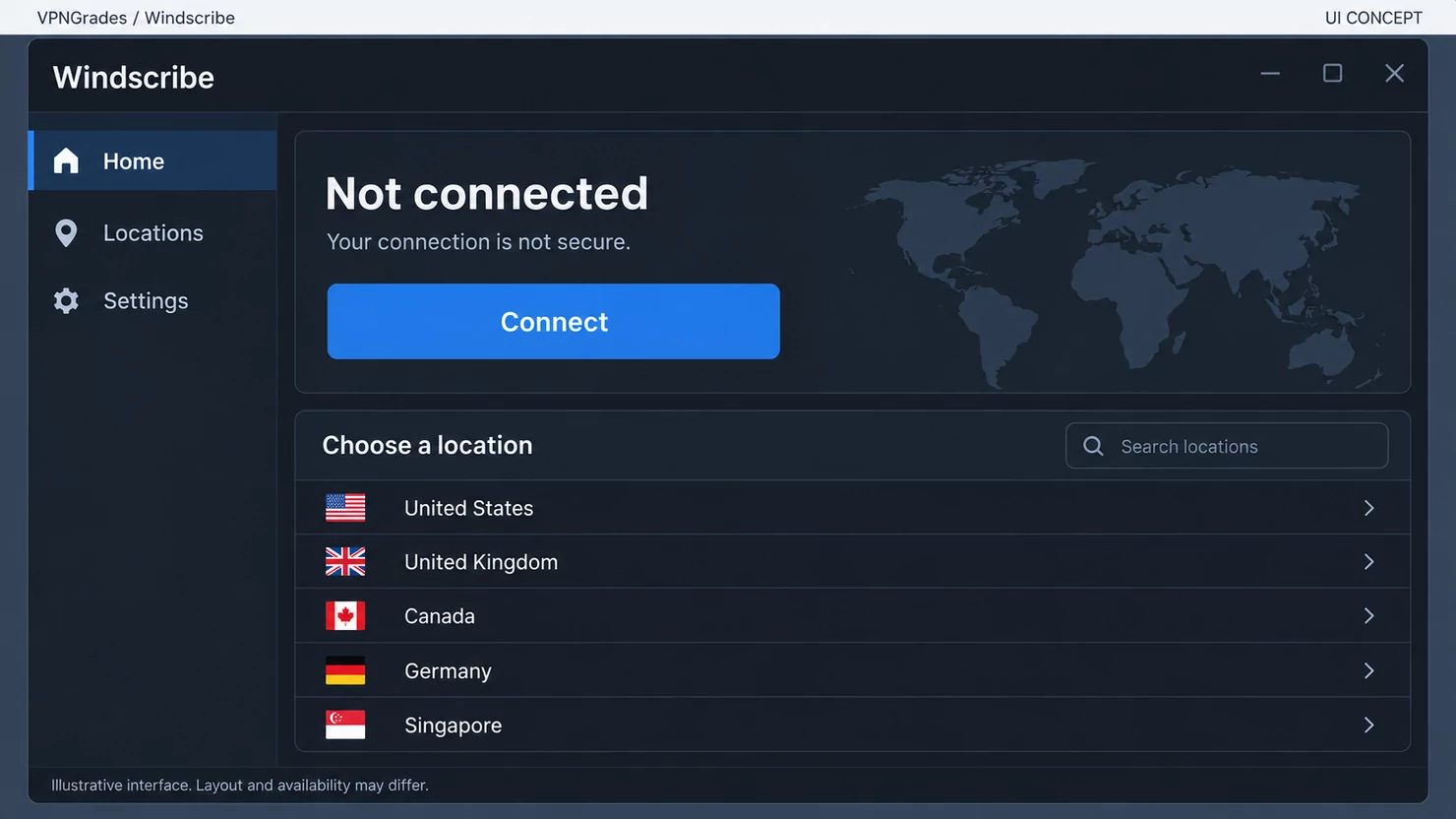
The free tier is the main reason to consider the service before paying. Available reviews describe a 10GB allowance and access to a limited selection of locations, making it more useful than a short trial that stops after a few days. You should still treat it as a constrained plan: the monthly data cap, location selection and premium omissions determine whether it fits your routine.

Laptop and phone showing VPN connection

Monthly data allowance and how the limit works

The free plan is described as providing 10GB of data, generally understood as a monthly allowance. That is enough for browsing, occasional public Wi-Fi use and some short video sessions, but it can disappear quickly with high-resolution streaming, large downloads or frequent updates. One third-party estimate puts the maximum streaming time at roughly seven hours, although actual use depends on video quality and the platform. The details per service are in what happened to Atlas VPN.

You should check when the allowance resets and what happens after the limit is reached before relying on the plan for travel. A data cap is not merely a pricing detail; it changes whether the VPN remains available when you need it most.

Free server locations and connection restrictions

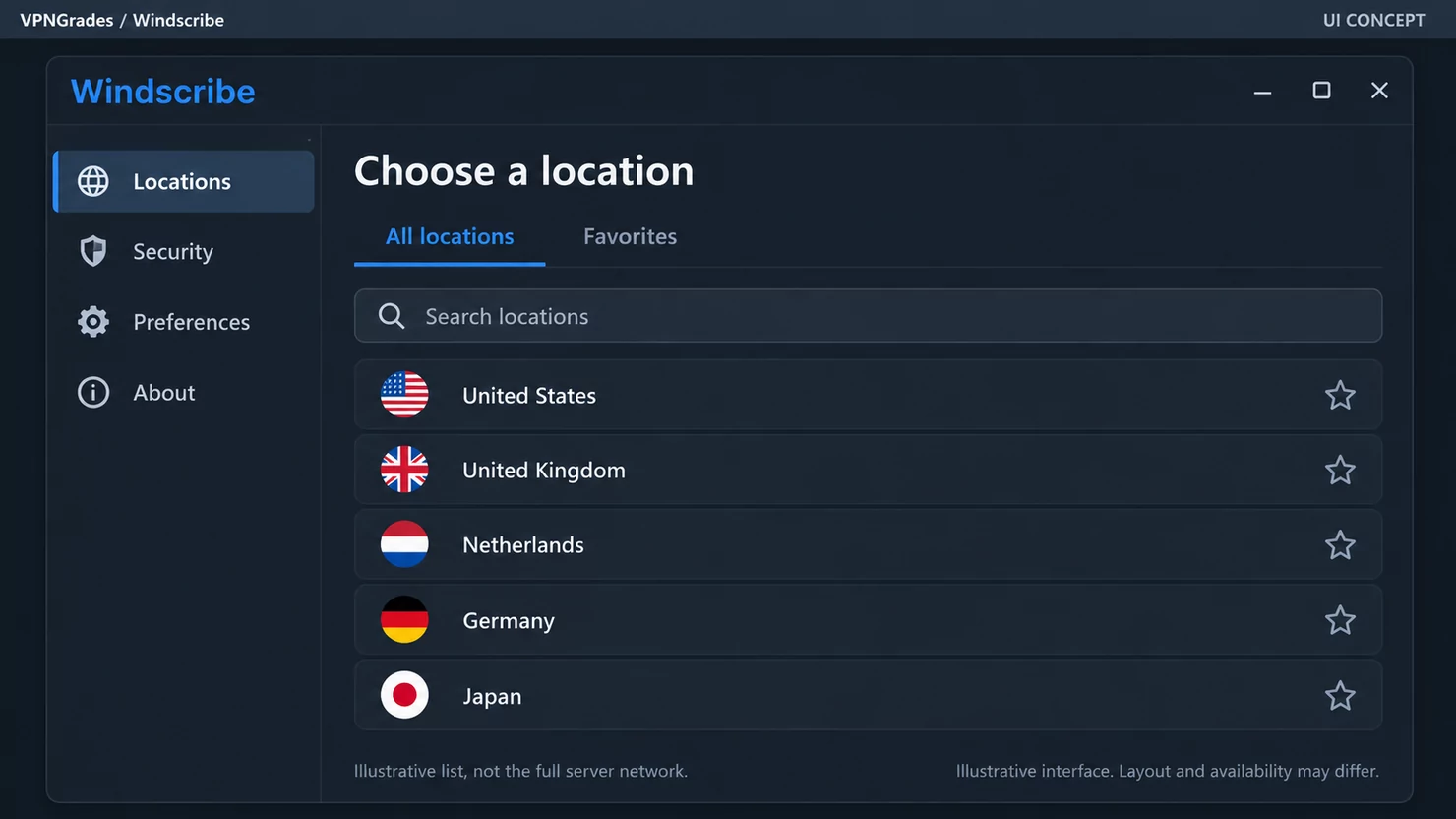
The free tier does not provide the full network. Third-party material describes access to a selection of nine countries, while other reports use different network totals for the paid service. The safe conclusion is that free users receive fewer locations than subscribers, and location availability can change.

That restriction matters if you need a particular country, a nearby endpoint, or a stable choice for a recurring service. It matters less when your goal is simply to secure occasional browsing on an unfamiliar network. You should open the location list in the current app rather than rely on an old review’s count.

Included features and missing premium tools

The available material credits the free app with core VPN protection, a kill switch and access to the service’s blocking tool. Paid users receive the broader location choice and unlimited data described in the product coverage. The sources do not establish that every advanced feature is available on the free tier, so you should not assume that a setting visible in a paid app is included in the no-cost plan.

For a quick decision, these are the limits worth checking before installation:

  • monthly data allowance and reset timing;

  • available countries and individual server locations;

  • whether your chosen streaming or download activity is permitted on free endpoints;

  • which blocking and connection controls are included without payment.

The free plan is therefore best viewed as a functional introduction, not as a complete substitute for the paid service. The distinction becomes obvious once your usage moves beyond light browsing.

Who can use the free plan comfortably

You can use the free tier comfortably if you browse occasionally, connect on public Wi-Fi, or want to test the interface before committing. It is less suitable for a household that expects continuous video, large file transfers or regular travel across several regions. The plan’s value comes from being usable without payment, not from removing every practical restriction.

A simple way to judge it is to track one ordinary month of VPN use. If your activities regularly approach 10GB, the free tier will require conscious rationing and may become irritating rather than economical.

Windscribe pricing and paid plan options

The available pricing information is relatively straightforward, but you should distinguish advertised prices from what you pay at renewal. The source material lists a monthly Pro plan at $9 and an annual plan at $69, alongside a configurable Build-a-Plan option from $3 per month. Taxes, currency conversion, promotional conditions and future price changes can alter the final checkout amount.

Pro subscription pricing and billing terms

The listed Pro prices are $9 per month or $69 for an annual subscription. The annual figure lowers the effective monthly cost compared with paying twelve monthly instalments, but it also commits you for the billing period. Check the checkout screen for the exact currency, renewal date and whether the displayed offer is introductory or recurring.

Option

Listed price

Best fit

Main consideration

Monthly Pro

$9 per month

Flexible, regular use

Higher cost over a full year

Annual Pro

$69 per year

Continuous use

Larger upfront commitment

Build-a-Plan

From $3 per month

A few chosen locations

Limited scope unless expanded

Unlimited-data add-on

$1 add-on in source material

Higher-use custom plans

Raises the monthly total

These figures give you a useful starting comparison, not a promise of the price you will see today. Review the renewal terms before completing payment, particularly if you are buying during a promotion.

Build-a-Plan pricing for occasional users

Build-a-Plan is described as starting at $3 per month, with locations selected individually. The source material says each location includes 10GB of bandwidth and that unlimited data can be added for $1. This structure can make sense when you only need one or two regions, but it loses some of its appeal if you keep adding locations until the total approaches a full Pro subscription.

The arithmetic is worth doing before purchase. A low entry price is useful only when the selected locations match your actual needs and the included data is sufficient for them.

Add-ons, regional pricing and renewal costs

The supplied sources do not provide a complete regional price table or a definitive renewal schedule. You should therefore avoid assuming that a US-dollar price will be charged unchanged in your country. Currency conversion, tax and local payment processing may affect the final amount, while promotional pricing may not continue after the first term.

Treat add-ons as part of the total plan rather than as isolated bargains. If you need unlimited data, the extra dollar described in the source material changes the comparison with Pro, and repeated monthly use makes renewal terms more significant than the initial headline price.

Refund policy and payment methods

One third-party source lists a seven-day money-back guarantee, while the supplied material does not provide the complete eligibility conditions. Read the current refund terms before purchasing, including any usage, timing or payment-channel restrictions. A short refund period gives you less room to evaluate the service than a longer one.

The available sources also mention Bitcoin as an accepted payment method, but they do not establish every current payment option. Confirm the choices shown at checkout and save the receipt, plan name and cancellation instructions in case you need to query a charge.

Privacy and security features

The security discussion is where marketing language needs the most restraint. The available material describes encryption, WireGuard and OpenVPN support, a kill switch, a no-logs policy and R.O.B.E.R.T. ad and tracker blocking. Those are meaningful features, but each answers a different privacy problem and none removes the need for secure passwords, updated devices and careful account management.

Secure VPN app beside encrypted network equipment

Encryption, VPN protocols and connection options

The sources name WireGuard and OpenVPN among the supported protocols, and another listing also refers to IKEv2/IPsec. Protocol availability can vary by app and platform, so you should check the settings on your own device rather than assume every option appears everywhere. WireGuard is generally associated with modern, efficient connections, while OpenVPN remains a widely recognised alternative. For a side-by-side view, see what happened to Atlas VPN.

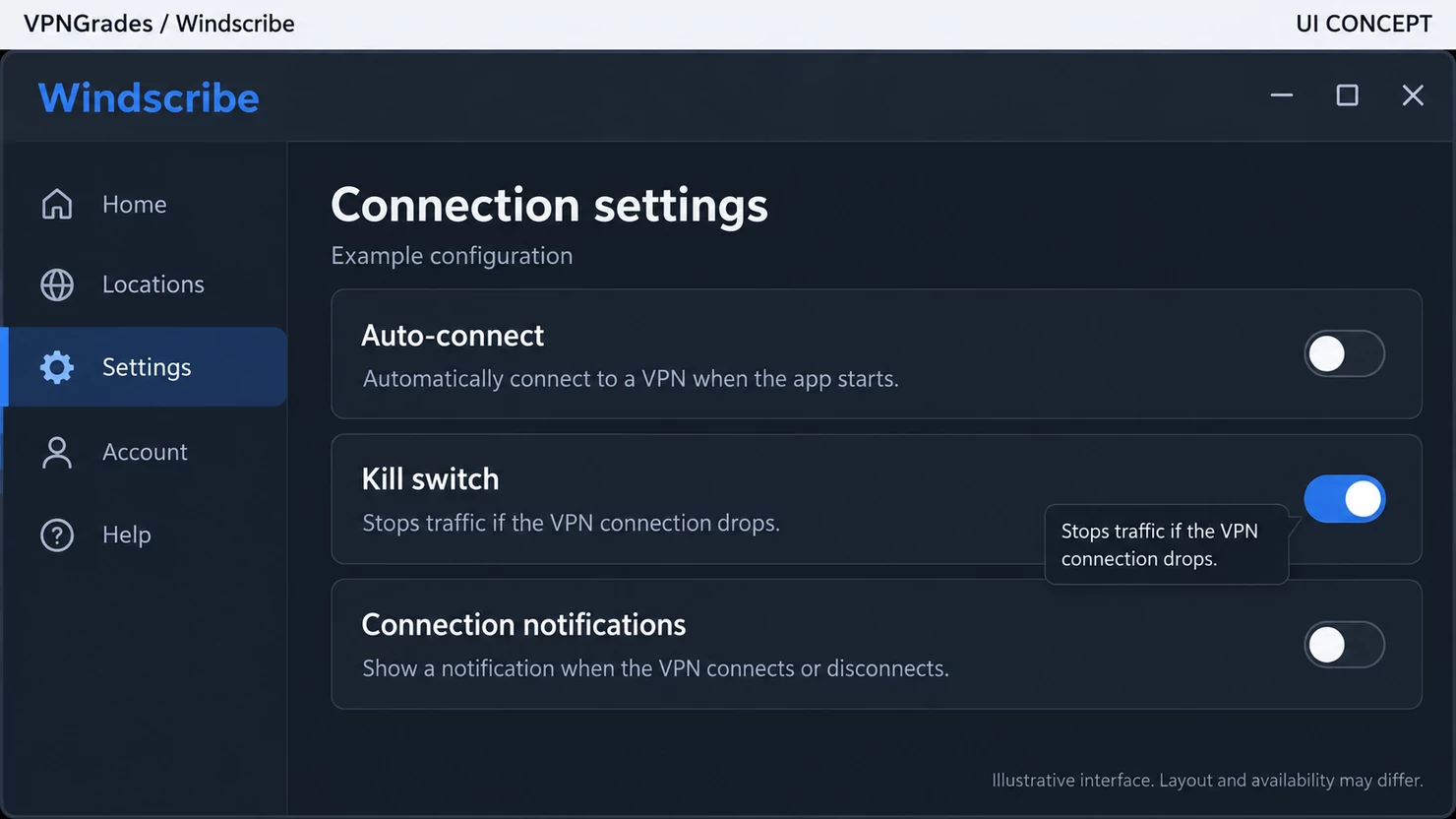
A kill switch is also listed in the available product information. Its purpose is to stop traffic if the VPN connection drops, but the exact behaviour depends on the app and operating system. Test the setting with care if you need it for a specific travel or work scenario.

Logging claims, transparency and independent evidence

The service makes a no-logging claim, and third-party review material describes that position as strict and privacy-friendly. A policy statement tells you what the company says it collects; independent audits or other verifiable evidence can provide a stronger basis for judging whether operations match the statement. The supplied sources refer to independent evidence in general, but do not provide enough audit detail here to assess its scope or date.

You should ask precise questions: is connection activity stored, how long is account data retained, and what information is disclosed in transparency reporting? Policy wording is only one layer of a privacy assessment, particularly when your threat model includes legal requests or account compromise.

R.O.B.E.R.T. ad and tracker blocking

R.O.B.E.R.T. is described as a tool for blocking ads, trackers and malicious domains. That can reduce unwanted requests across supported connections, but a network-level blocker is not the same as a full browser security system or antivirus product. Some websites may also behave differently when filtering is enabled.

Use the feature as an additional control rather than as a reason to ignore browser settings. If a site fails to load, temporarily changing the blocking configuration can help you identify whether filtering is the cause.

Account data, email requirements and privacy trade-offs

The supplied material does not establish a complete list of required account fields or whether an email address is mandatory in every registration route. Do not infer anonymity from the existence of a free plan: payment records, account identifiers and support interactions can still create information linked to you.

Before signing up, read the registration and privacy terms and decide whether the available payment method suits your privacy needs. A separate email address and a unique password may reduce account-linking and takeover risks, but they do not replace the provider’s own data-handling controls.

Performance, streaming and everyday use

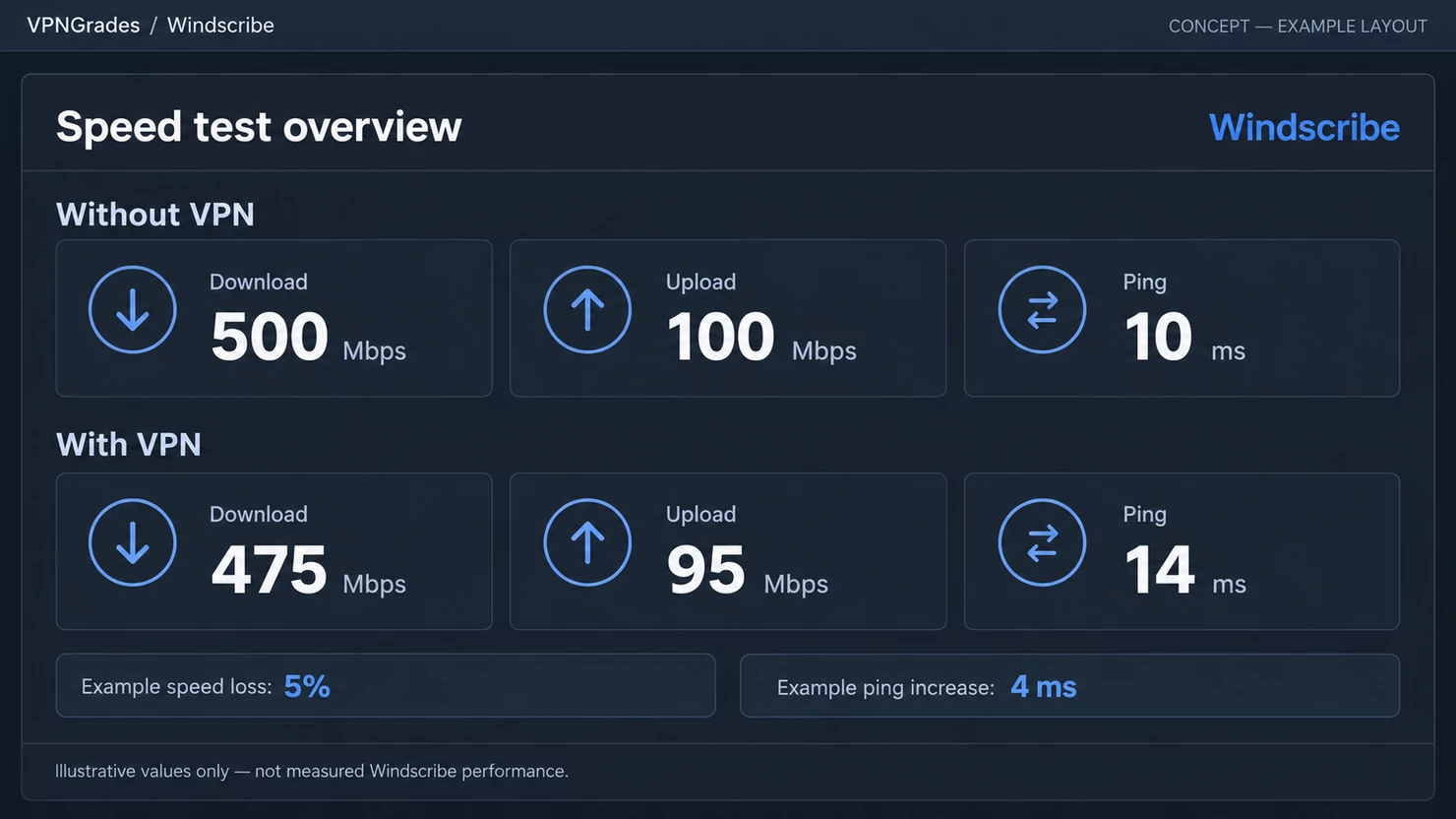
Performance depends on your distance from a server, local network, protocol, congestion and the service you are accessing. Third-party reviews report fast WireGuard speeds and good paid streaming performance, while another review found that some torrenting attempts were unsuccessful. These are useful signals, not guaranteed results for your ISP or device.

Download speeds, latency and connection stability

Testing material describes the service as fast, particularly with WireGuard, and reports that OpenVPN also performs well. Speed can still fall when you connect to a distant location or when a server is busy. Your own baseline matters more than a single review number, so test ordinary browsing, a large download and a video call from the locations you expect to use.

Latency is usually more noticeable than raw download speed during interactive tasks. A nearby endpoint may feel better for calls or games, while a distant endpoint can add delay even when downloads remain acceptable.

Streaming access and platform-specific limitations

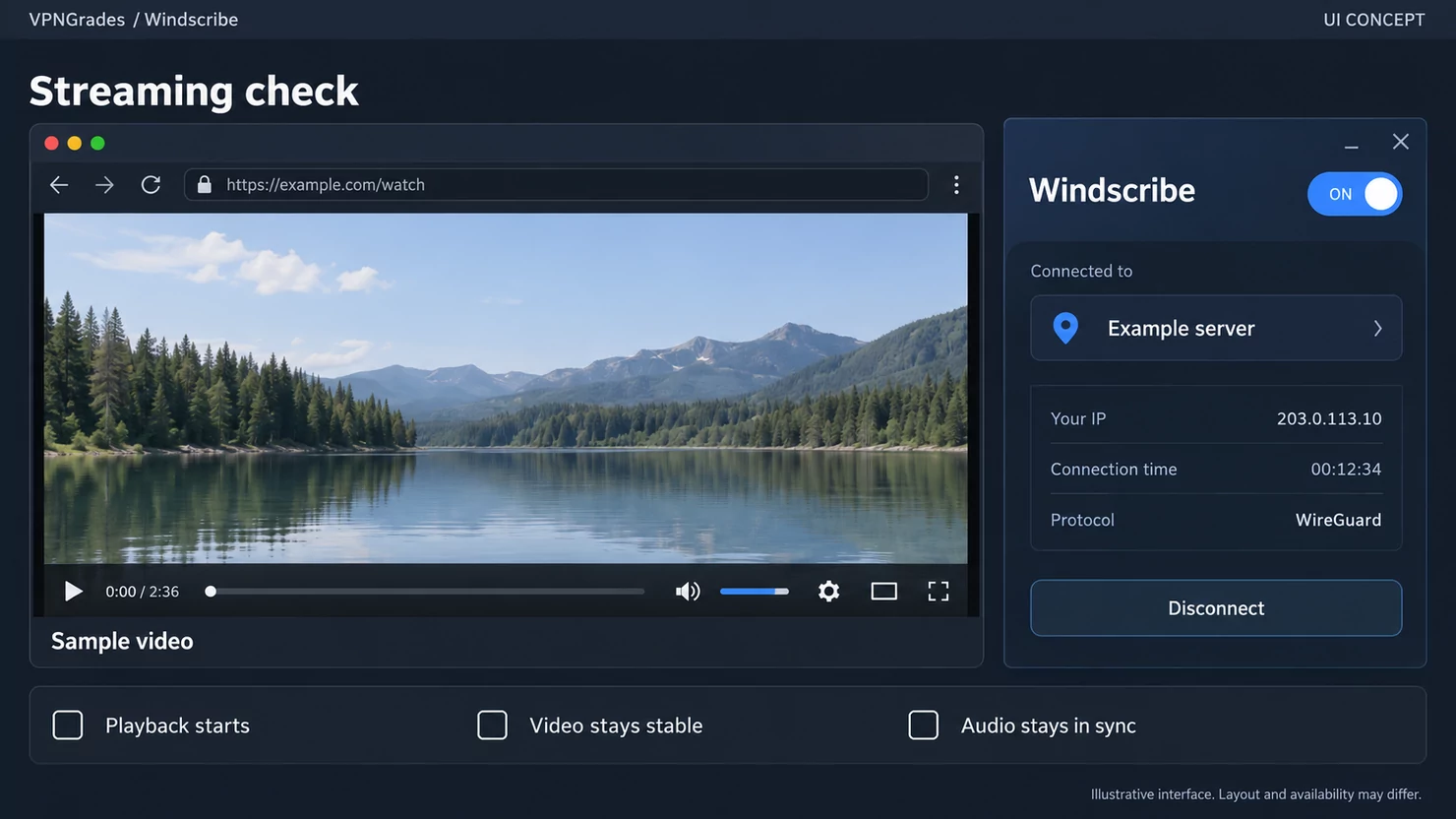
The available sources describe strong streaming performance on the paid apps and list access to services including US Netflix, BBC iPlayer, Prime Video and Disney Plus in third-party testing. Streaming platforms change their detection methods, so access can vary by server, country, account and date. The free plan’s data limit also makes sustained video use impractical for many viewers.

Do not treat a successful test of one platform as a universal guarantee. Check the provider’s current terms and avoid using a VPN to breach the rules of a streaming account or service.

Torrenting support and port-forwarding considerations

The sources are mixed on torrenting: one review says the service supports it, while another reports that some servers would not start downloads. That distinction matters. A general P2P permission statement does not guarantee that every location, protocol or connection will perform well.

The supplied material does not establish current port-forwarding availability or the exact conditions attached to it. If inbound connections are essential to your use case, verify the current documentation before subscribing rather than assuming a VPN plan includes that function.

Gaming, video calls and mobile data use

The available evidence does not establish a universal gaming latency result or a specific mobile-data saving feature. You can reasonably assess these activities by testing nearby locations and watching for packet loss, call interruptions and increased ping. A VPN may improve privacy on unfamiliar networks, but it can also add a routing step.

For mobile use, keep the data cap in mind on the free tier. Video calls and media-heavy apps can consume an allowance much faster than ordinary text browsing, so a paid plan may be more practical if the connection stays enabled throughout the day.

Apps, setup and user experience

Ease of use is partly subjective, and the sources disagree in emphasis: they describe attractive, powerful apps while also warning that the interface can feel complex to newcomers. That combination is plausible for a product with many configurable controls. You should judge the app by whether you can find the location, protocol, kill switch and blocking settings you actually need.

Desktop and mobile app features

Third-party coverage describes desktop and mobile apps with a substantial set of settings, including protocol choices and a kill switch. The exact controls can differ between operating systems, so screenshots from one platform should not be treated as a specification for another. A first connection should be followed by a short settings review rather than an assumption that the safest options are already selected.

The learning curve is manageable if you change one setting at a time. If you prefer a minimal interface with few decisions, the range of controls may feel less convenient than the free price initially suggests.

Browser extensions and split tunneling

The sources identify browser extensions, but they do not provide enough detail to confirm the full feature set or whether split tunneling is offered consistently across platforms. A browser extension normally affects browser traffic rather than every application on the device, so you should distinguish between browser-level and system-wide protection.

Check the extension’s permissions and connection behaviour before using it for sensitive browsing. If you need selected applications to bypass the VPN, confirm that split tunneling exists on your operating system and understand which traffic it excludes.

Router support and simultaneous connections

Router support and simultaneous-connection limits are not established clearly in the supplied authoritative material. You should not assume that a desktop subscription automatically covers every router firmware or that “unlimited” language, where reported, has identical meaning across all account types. Confirm the current terms and setup documentation for your hardware.

This matters most in a household or small office. A router installation changes which devices use the tunnel, while app-based connections give you more precise control over individual devices.

Common setup problems and troubleshooting limits

The most likely problems are ordinary ones: choosing a distant location, selecting an incompatible protocol, leaving a blocker enabled on a difficult website, or overlooking the free data limit. Third-party coverage mentions support through a chatbot, while other reviews criticise the absence of 24/7 live or live-chat support. That makes self-diagnosis more important than it would be with a highly staffed support channel.

Start with the simplest checks: change location, return to the default protocol, test without the blocker, and compare the result with the VPN disconnected. Keep a note of the error and app version if you need to contact support.

Is Windscribe worth using?

The answer depends mainly on your usage pattern, not on a single review score. The free tier is unusually relevant because it lets you test the core experience before paying, while the paid plans make more sense when data, locations or streaming access become regular requirements. You should weigh those benefits against the limited evidence available for some platform-specific features.

When the free plan is the better choice

The free plan is the better choice when you need occasional privacy on public Wi-Fi, light browsing or a low-risk way to try the apps. The 10GB allowance can be sufficient if you do not stream heavily or keep the VPN connected all month. It is also useful when you only need one of the included locations.

The plan becomes a poor fit when your normal usage includes continuous video, large downloads or frequent changes between countries. In those cases, the cap and restricted location list are likely to shape your experience more than the free price does.

When upgrading to Pro makes sense

Upgrading makes sense when you need unlimited data, the broader paid location selection or the stronger streaming results reported for paid apps. The $69 annual price is easier to justify when you expect steady use throughout the year; the $9 monthly option preserves flexibility if your need is temporary.

Build-a-Plan can be a middle route when you need only selected locations. Calculate the total with any data add-on before deciding, because a customised plan can approach the cost of Pro as your requirements expand.

The main drawbacks compared with competing VPNs

The principal drawbacks are the free plan’s data and location restrictions, uncertainty around some platform-specific details, and mixed reports about torrenting. Support may also feel limited if you need a person to resolve a complicated setup issue. Paid streaming results are encouraging, but no provider can promise permanent access to every platform.

You should also avoid treating a large location count as a complete measure of value. Server distribution, app quality, privacy evidence, renewal pricing and support can matter more than the headline number.

Which users should avoid Windscribe altogether

You should avoid the service if you need a clearly documented feature that the supplied material does not confirm, such as a particular router configuration or port-forwarding arrangement. It may also be a poor fit if you require continuous high-volume traffic but do not want to pay for a subscription. New users who dislike configurable interfaces and limited support may find the setup unnecessarily demanding.

For everyone else, a cautious test is reasonable: start with the free plan, verify the locations and settings you need, and only then compare the paid cost with your expected usage. That approach keeps the decision practical rather than promotional.

Conclusion

The free tier is the strongest reason to try the service: it offers a meaningful data allowance and a way to assess the apps before spending money. Paid plans add broader access and unlimited-data options, but you should verify current prices, refund terms and platform-specific features at checkout. If your use is light and your expectations match the limits, it is a sensible option; if you need specialist support or fully documented advanced features, proceed more cautiously.

Frequently Asked Questions

Is a free VPN enough for occasional browsing?

Yes, a free VPN can be adequate for light browsing and occasional public-Wi-Fi use, provided you accept data, location, speed and support limits. It is less suitable for constant streaming or large downloads.

How much VPN data does streaming use?

Streaming can consume data quickly, especially at high resolution. The exact amount depends on video quality, platform settings, viewing time and whether the app downloads content in the background.

Should you choose a monthly or annual VPN plan?

Choose monthly billing when your need is temporary or you are still testing the service. Annual billing can cost less over a full year, but check the renewal price and refund conditions before committing.

Does a VPN guarantee access to streaming platforms?

No. Streaming platforms change their detection systems, and access can vary by server, country, account and date. A VPN should not be treated as a permanent guarantee of access.

Can a VPN improve gaming performance?

Usually, a VPN adds another routing step and may increase latency. It can sometimes help with a poor route, but you should test ping and stability from your own connection rather than assume a speed benefit.

Is a no-logs statement proof of complete anonymity?

No. A no-logs statement describes the provider’s policy, while account details, payment records and device information may still exist. Independent evidence and careful account practices provide a better basis for judging privacy.

What should you test before paying for a VPN?

Test nearby and distant locations, connection stability, the settings you need, ordinary browsing, video calls and any permitted downloads. Also check the current price, renewal terms, refund rules and support options.

If you make a purchase via one of these links, we may earn a commission, at no extra cost to you. Learn More

Best Black Friday Deals

9.8

From 11.59€ 2.99/mo

Save 74%

Get Black Friday Deal

9.7

From 4.69€ 1.99€/mo

Save 87%

Get Black Friday Deal

Best Black Friday Deals

9.8

From 11.59€ 2.99/mo

Save 74%

Get Black Friday Deal

9.7

From 4.69€ 1.99€/mo

Save 87%

Get Black Friday Deal