How to Watch Netflix Peru From Another Country
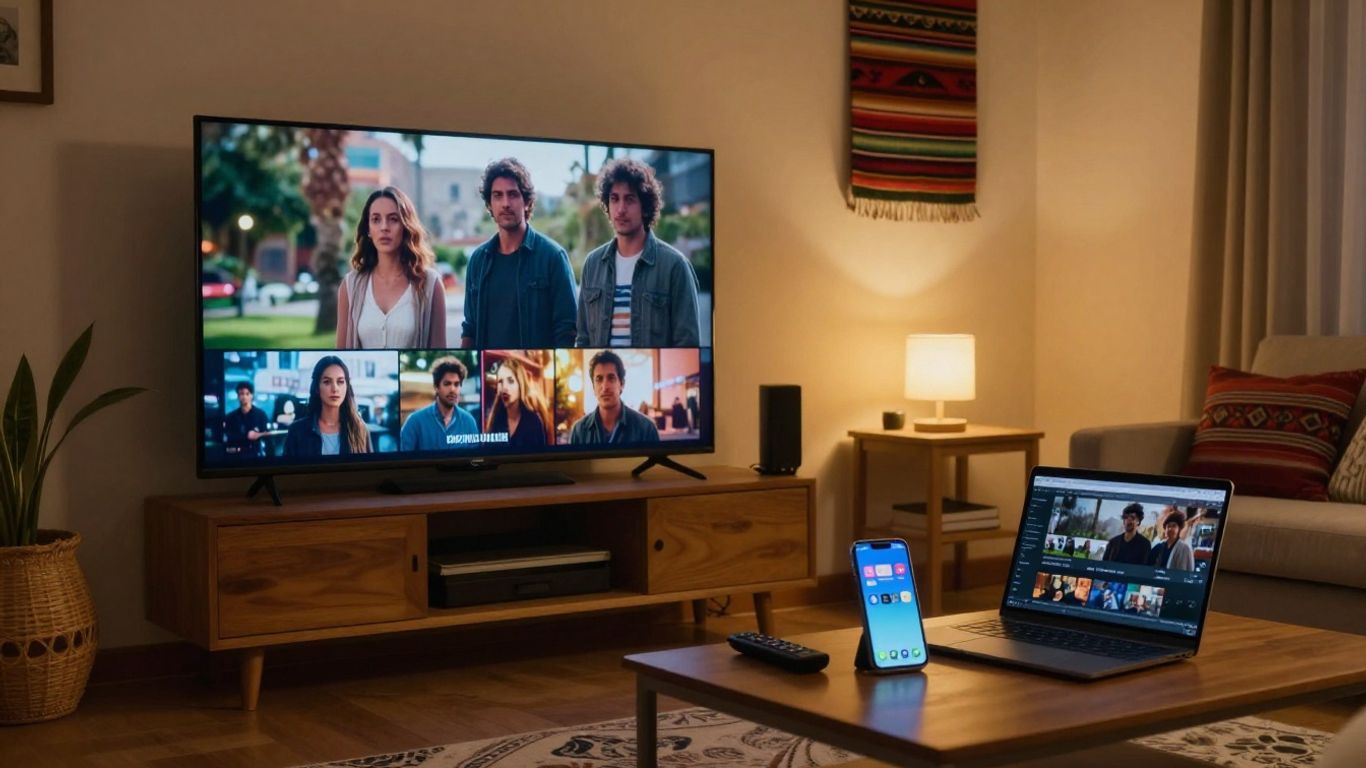
Netflix in Peru means the library available from a Peruvian viewing location, not necessarily the library associated with your payment country. Catalogs change, profiles can hide titles, and travel or VPN use can alter what you see. Check availability directly before making plans around a particular film or series. The details per service are in how the services compare.
Your current viewing location usually determines the Netflix library you see.
A Peruvian account may show another country’s library while you travel.
Titles, seasons, subtitles, and artwork can change as licenses are renewed.
Profile maturity settings and language preferences can affect search results.
VPNs and proxies may trigger errors or produce an incomplete catalog.
What “Netflix in Peru” actually means
The phrase “Netflix in Peru” usually refers to the catalog available when you watch from an internet connection located in Peru. It does not describe one permanent list of films and series, and it does not guarantee that a Peruvian subscriber will see the same titles everywhere. Your location, account status, profile settings, device, and current licensing agreements all matter.
The Peruvian catalog is determined by viewing location
Netflix generally uses your current network location to determine which catalog to display. If you are physically in Peru and connect normally through a Peruvian internet service, you will usually see the Peruvian library. That can include international programming, local productions, Latin American titles, documentaries, children’s content, and Netflix-produced programming, but the exact mix changes over time.
The location signal is not the same as your precise address. It is usually inferred from your public IP address and related network information. A mobile connection, workplace network, hotel Wi-Fi, or unusual DNS setup can sometimes make the service interpret your location incorrectly.
Netflix availability differs from account billing country
Your billing country and viewing country are separate ideas. A subscription may have been created or paid for in Peru, while the account is later used in another country. In that situation, the library you see may reflect your current location rather than the country connected to the original payment details.
That distinction matters when you travel, move, or share an account across borders. Currency, payment methods, plan terms, and household checks can still relate to account settings, but those details do not create a permanent entitlement to every title offered in Peru.
Why search results and third-party catalog lists can be misleading
A title can be absent from your search for several reasons. It may not be licensed in Peru, it may have left the service, or your profile may be restricted by maturity settings. Search engines and catalog databases can also retain outdated pages, show results for another country, or list a title that is scheduled to arrive later.
Treat outside lists as leads rather than proof. Direct availability checks matter most when you are subscribing for one particular film, following a series, or planning travel around a release. The title page inside Netflix is the more useful reference for your own account and location.
How often titles, seasons, and licenses change
There is no single permanent Peru catalog. Licensing agreements can expire, return, or change by territory, while new seasons may arrive separately from earlier seasons. A film can therefore be available one month and missing the next, or a series can have an incomplete run in one country.
If a title matters to you, check it shortly before watching rather than relying on an old article or screenshot. Release calendars can help you anticipate changes, but they do not replace a current check from Peru.
What you can expect to find in the Peru library
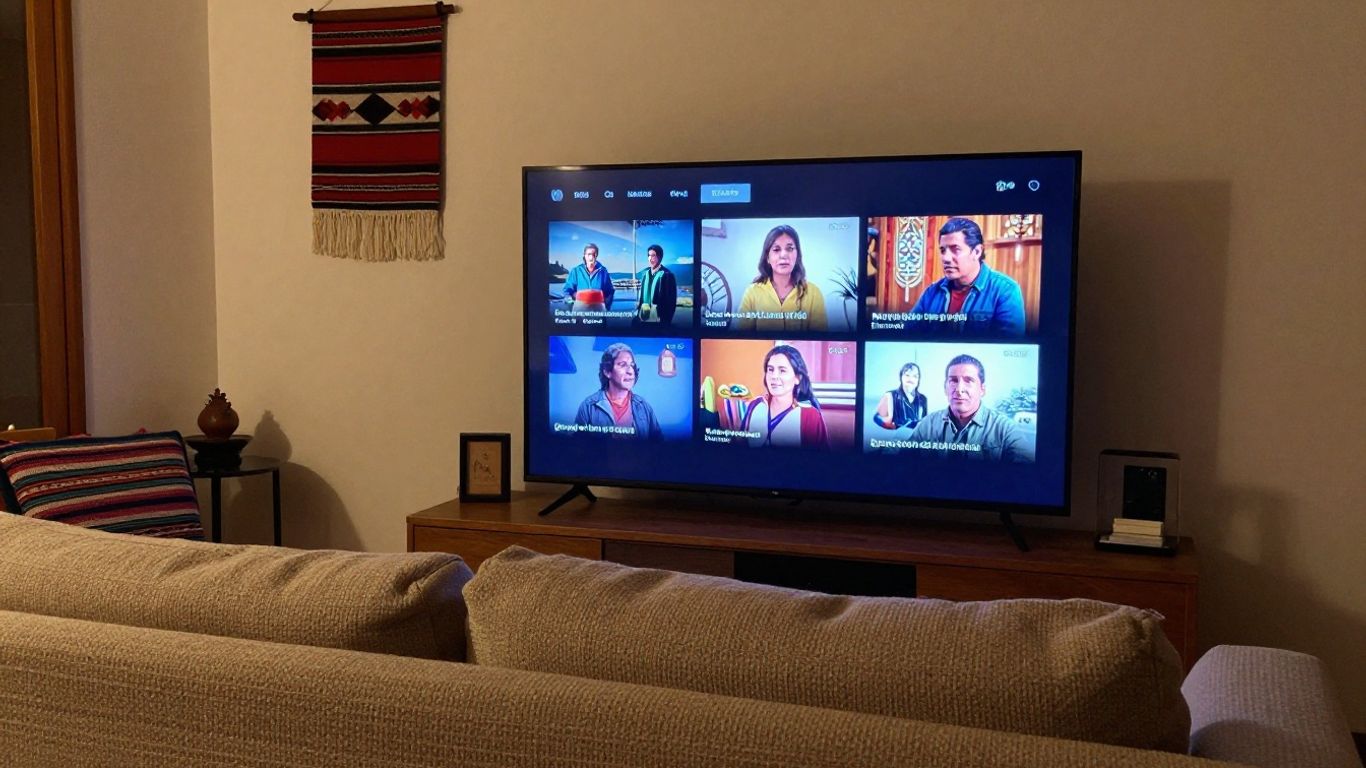
The Peruvian library is broad, but “broad” does not mean identical to the library in another country. You can expect a mixture of international entertainment, regional programming, local productions, documentaries, anime, children’s titles, and licensed shows. The selection may also look different because Netflix adapts language options, ratings, and artwork for the market.
International films and series available in Peru
You will typically find internationally released films and series alongside programming produced for particular regions. Well-known titles may be offered in Peru, but recognition or popularity elsewhere says little about local availability. Distribution rights are negotiated territory by territory, and a title’s presence can depend on the agreement currently in force.
Search by the exact title and check the details page. If the title is missing, try the original-language name as well, since translated titles and artwork may affect what appears in results.
Peruvian films, television, and Latin American content
The Peru library can include Peruvian films, television productions, and content from across Latin America. The amount and type of regional programming will vary, and local relevance does not guarantee that every Peruvian production is included. Some titles may appear only for a limited period or may be available in one country but not neighboring markets.
For regional content, look at the title’s description, audio tracks, subtitles, and classification rather than judging availability from a third-party “best of” list. Those details give you a clearer view of what you can actually watch.
Netflix originals versus licensed programming
A program described as a Netflix original is not always available in exactly the same way in every territory. Rights can differ because of earlier distribution agreements, and some titles may be unavailable or delayed in a particular market. Licensed programming is even more dependent on territory-specific contracts.
The practical distinction is simple: do not assume that a label settles availability. Search for the title from your current location and check whether the relevant season, language track, and download option are offered on your device.
Localized audio, subtitles, ratings, and artwork
The same title can look different in Peru because its artwork, synopsis, age rating, audio options, or subtitles may be localized. Your profile language can also influence the labels and language choices presented to you. A missing subtitle is not necessarily evidence that the title itself is unavailable.
Check the playback controls and title information before concluding that the catalog is different. If another profile can see a title that you cannot, review maturity restrictions and profile settings first.
How to check the current Netflix Peru catalog
The most reliable method is to check Netflix from a normal Peruvian connection while signed in to the profile you intend to use. If you are deciding whether to subscribe for a specific title, verify that title before paying rather than trusting an old catalog article. A second source can help with discovery, but it should be dated and treated cautiously.
Search Netflix while connected from Peru
Connect through your ordinary home, mobile, or other local internet service in Peru, then search inside the Netflix app or website. Search the title in more than one language if necessary, and open the result rather than relying only on an autocomplete suggestion.
If you are already a subscriber, test the title on the relevant profile and device. A result that appears in a search engine but not inside your account is not confirmation that the program is available in Peru.
Confirm a title’s country availability before subscribing
Before subscribing for one particular film or season, search for the title while your connection is located in Peru. Confirm the exact season, episode count, audio, and subtitles you need. This is especially useful for older films and series, where availability often depends on a short-term license.
Save the title page or record the check date if the decision is time-sensitive. Catalog information can change between the day you subscribe and the day you plan to watch.
Use catalog databases carefully and check their update dates
Catalog databases can make country comparisons easier, but their information may lag behind Netflix’s own changes. Check when the database was updated, whether it distinguishes seasons, and whether it clearly identifies Peru rather than a broader regional grouping.
A sensible workflow is to use an outside database for a shortlist, then confirm each important title directly. That avoids treating a historical entry as a current promise.
Distinguish a missing title from a profile or maturity restriction
A title may be hidden because the profile has a maturity limit, a Kids setting, or a blocked-title rule. Language preferences can also change how a title is indexed or which version of its artwork you see. Test the title on an unrestricted adult profile if you are authorized to do so.
Do not immediately assume a location problem. If the title appears on one profile but not another on the same connection, the profile settings are the more likely explanation.
How to access Netflix from inside Peru
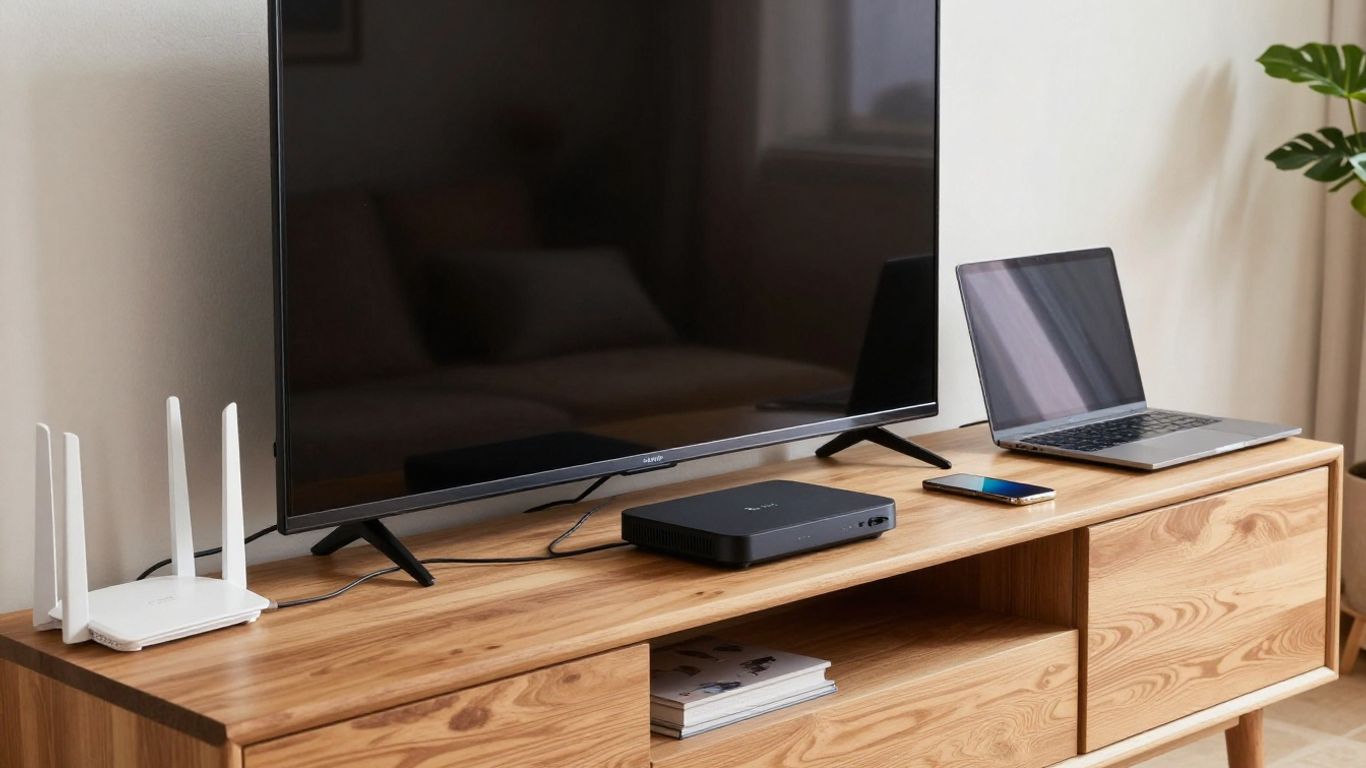
Accessing Netflix from Peru is usually straightforward: use the official app or website, sign in with an active account, and connect through a stable internet service. Your viewing experience will depend more on the device, plan, network, and profile configuration than on the country name alone. Check current pricing and plan terms at sign-up because commercial details can change.
Creating or using a Netflix account in Peru
You can create an account through the Netflix website or use an existing account while connected from Peru. Follow the current sign-up and payment instructions shown for your location, and keep your email address and payment details up to date.
If you already have an account from another country, do not create a second subscription simply because you are visiting Peru. First check how travel, billing, and household rules apply to your situation.
Choosing a plan based on screens, resolution, and household use
Choose a plan by considering the number of people who legitimately use the account, the number of simultaneous streams allowed by the plan, and whether your devices support the desired resolution. A higher-priced plan does not automatically improve a weak Wi-Fi connection or make an unavailable title appear.
Think about actual household use rather than occasional sharing with people in other homes. Account rules can change, so review the terms shown when you subscribe or change your plan.
Supported TVs, streaming devices, phones, browsers, and game consoles
Netflix can be watched through its app or website on many internet-connected televisions, phones, tablets, computers, streaming devices, and game consoles. Compatibility depends on the operating system, app version, device certification, and sometimes the resolution supported by the hardware.
If the app is unavailable or outdated, check the device manufacturer’s software support and the official Netflix help information. Installing an unofficial app or changing device settings may create new problems without changing the catalog.
Network requirements for reliable HD and 4K playback
Reliable playback requires sufficient bandwidth, a stable connection, and a device and plan that support the quality you want. Wireless congestion, distance from the router, network management, and simultaneous household use can cause buffering even when the subscription is active.
Run a normal connection test, reduce competing traffic, and try a wired connection where practical. If standard-definition playback works but higher quality does not, the limiting factor may be network capacity or device support rather than your account.
How to reach the Peru catalog from abroad
If you are outside Peru, reaching the Peru catalog is not simply a matter of having paid for a Peruvian subscription. Netflix may identify your current location and apply the library available there. Travel can also affect downloads, language options, and the availability of titles you had previously watched.
What happens when a Peruvian subscriber travels
When you travel, your account normally remains usable, but the selection may change to reflect the country you are visiting. Some downloaded titles may continue to play for a limited period, while new downloads and streaming results can follow local availability.
You may also see differences in ratings, subtitles, or artwork. These changes do not necessarily mean that your account has been moved permanently to another country.
Why Netflix usually shows the library available in your current location
Streaming rights are often territorial, so services commonly use the viewer’s current network location when deciding which titles to present. Your original billing country may remain relevant to payment and account administration, but it does not guarantee access to the Peru catalog while you are abroad.
This is why two people with similar account histories can see different results when they connect from different countries. The difference may be licensing, not a fault with either account.
VPN and proxy detection, limitations, and account risks
A VPN or proxy can make location detection less predictable. Netflix may identify the connection as a VPN, proxy, or shared data-center address and show an error, restrict playback, or provide a reduced selection. Results can vary by server, network, app, and time, so successful access once is not a durable guarantee. For a side-by-side view, see what happened to Atlas VPN.
If you are researching the terminology before changing network settings, a VPN terminology guide can clarify concepts such as proxies, encryption, and server locations. You should also review the streaming service’s current terms and understand that bypassing location controls may create account or playback risks.
When a title is unavailable because of licensing rather than connectivity
A title can remain unavailable even when your internet connection is working perfectly. If other programs play normally and the title is absent across devices on the same location, licensing is a more plausible explanation than connectivity.
Check the title from a standard connection, confirm your profile settings, and look for an official availability or release notice. Repeatedly changing networks rarely adds rights that are not licensed in the country.
How billing, household rules, and account settings affect access
Catalog access is only one part of the Netflix experience. Payment details, household verification, profile restrictions, and playback controls can all make an account feel different from what you expected. Separate account administration from location-based catalog availability when diagnosing a problem.
Payment methods and currency considerations
At sign-up or renewal, Netflix presents the payment methods and currency applicable to your account and location. Banks may apply their own exchange rates or international transaction charges, and a payment failure can suspend access even when the catalog itself is available.
Check the account payment page, your bank statement, and any billing email before assuming that a location change caused the issue. Do not rely on an old price shown in a search result, since plan pricing and taxes can change.
Netflix household verification and extra-member restrictions
Household checks are designed to distinguish regular use within a household from access by people in separate homes. Verification requests, travel patterns, device changes, and extra-member rules can affect whether another person can continue watching.
If you share an account, confirm who is authorized to use it and review the current account options. A household verification issue is different from a missing title: one concerns account access, while the other may concern catalog rights or profile settings.
Profile language, maturity settings, and playback controls
Each profile can have its own language, maturity level, viewing restrictions, and playback preferences. These settings can alter search results and hide titles that exceed the selected maturity level. A child profile, in particular, is not a complete view of the available library.
Review the profile settings before changing your network or canceling your subscription. If the account owner has restricted a title, only an authorized account change can resolve that restriction.
What to check before changing countries or canceling an account
Before changing billing details, closing an account, or starting a new subscription, identify the actual problem. It may be a temporary trip, a payment failure, a household check, an outdated app, a profile restriction, or a licensing change.
Write down your current country, connection type, device, profile, error message, and the title affected. That short record makes it easier to compare results and explain the issue to support without making unnecessary account changes.
How to troubleshoot access and catalog problems
Start with the simplest explanation and test one change at a time. Confirm whether the issue affects every title or only one, every device or only one, and every profile or only one. This approach helps you separate a location signal from a playback fault and a catalog decision from an account problem.
Fixing location, VPN, DNS, and proxy errors
If Netflix reports a VPN, proxy, or location error, disable any VPN or proxy, restore the device’s ordinary DNS settings, and reconnect to your regular local network. Then restart the app or browser and sign in again. A shared office, hotel, or mobile network can still produce an unusual location result. That comparison is set out in what happened to Atlas VPN.
Use this short sequence before escalating the issue:
Disconnect VPN and proxy services.
Restart the modem, router, or mobile connection.
Confirm that the device’s date, time, and app are current.
Test Netflix on another ordinary network or authorized device.
After each step, check whether the same title and error are still affected. Avoid repeatedly switching servers or DNS providers, since that can make the underlying location signal harder to diagnose.
Resolving playback, app, and device compatibility issues
For buffering, crashes, or a black screen, update the Netflix app and device software, restart the device, and test another title. If only one device fails, the problem may involve compatibility, storage, HDMI equipment, or an outdated operating system rather than your subscription.
If playback quality is the issue, compare the result on a different connection and reduce other network use. Keep the test controlled so you know whether the change came from the device, the network, or the title.
Checking whether an outage affects Netflix Peru
A broad outage can affect sign-in, browsing, playback, or payment across many devices at once. Check Netflix’s official service-status information and reputable outage reports, then compare your result with another authorized user or connection.
Do not treat one missing film as evidence of an outage. An outage usually produces a wider pattern, while a single missing title is more often related to licensing, a profile setting, or a catalog update.
When to contact Netflix support and what information to provide
Contact support when ordinary troubleshooting does not resolve the issue, especially if you cannot sign in, a payment remains blocked, or the service repeatedly misidentifies your location. Give support the information needed to reproduce the problem rather than only saying that the Peru catalog is wrong.
Include your country and connection type, device model, app or browser version, profile affected, exact error message, approximate time, and whether other titles play. Do not share your password or unnecessary payment details in an unsolicited message.
Conclusion
Netflix in Peru is best understood as a changing, location-sensitive catalog rather than a permanent account feature. Check important titles directly from Peru, review profile and household settings before changing networks, and treat VPN or third-party catalog claims with caution. That process will usually tell you whether the problem is availability, account administration, or connectivity. What each provider claims about this is covered in the full VPN comparison.
Frequently Asked Questions
Is Netflix available in Peru?
Yes, Netflix can be accessed in Peru through supported devices and an active subscription, subject to current plan, payment, device, and network conditions.
Does a Peruvian account always show the Peru catalog?
Not necessarily. When you travel, the service may show the library associated with your current viewing location rather than the country where the account was originally created or paid for.
Why is a film missing from the Peru library?
The film may not be licensed in Peru, its license may have expired, or your profile may restrict it. Confirm the title from a normal Peruvian connection and check the profile settings.
Do Netflix catalogs change over time?
Yes. Films, seasons, subtitles, artwork, and other details can change as licensing agreements and service arrangements are updated.
Can a VPN guarantee access to the Peru catalog abroad?
No. VPN and proxy connections may be detected, blocked, or shown a limited selection. They can also create playback or account complications.
Can profile settings hide available titles?
Yes. Maturity limits, Kids settings, blocked titles, and language preferences can affect what appears in search and what a profile can play.
What should you do if Netflix will not play in Peru?
Check the connection, disable VPN or proxy settings, update the app and device, test another title, and review official service-status information. Contact support if the problem continues.
If you make a purchase via one of these links, we may earn a commission, at no extra cost to you. Learn More

