How to Watch ViX Outside the United States
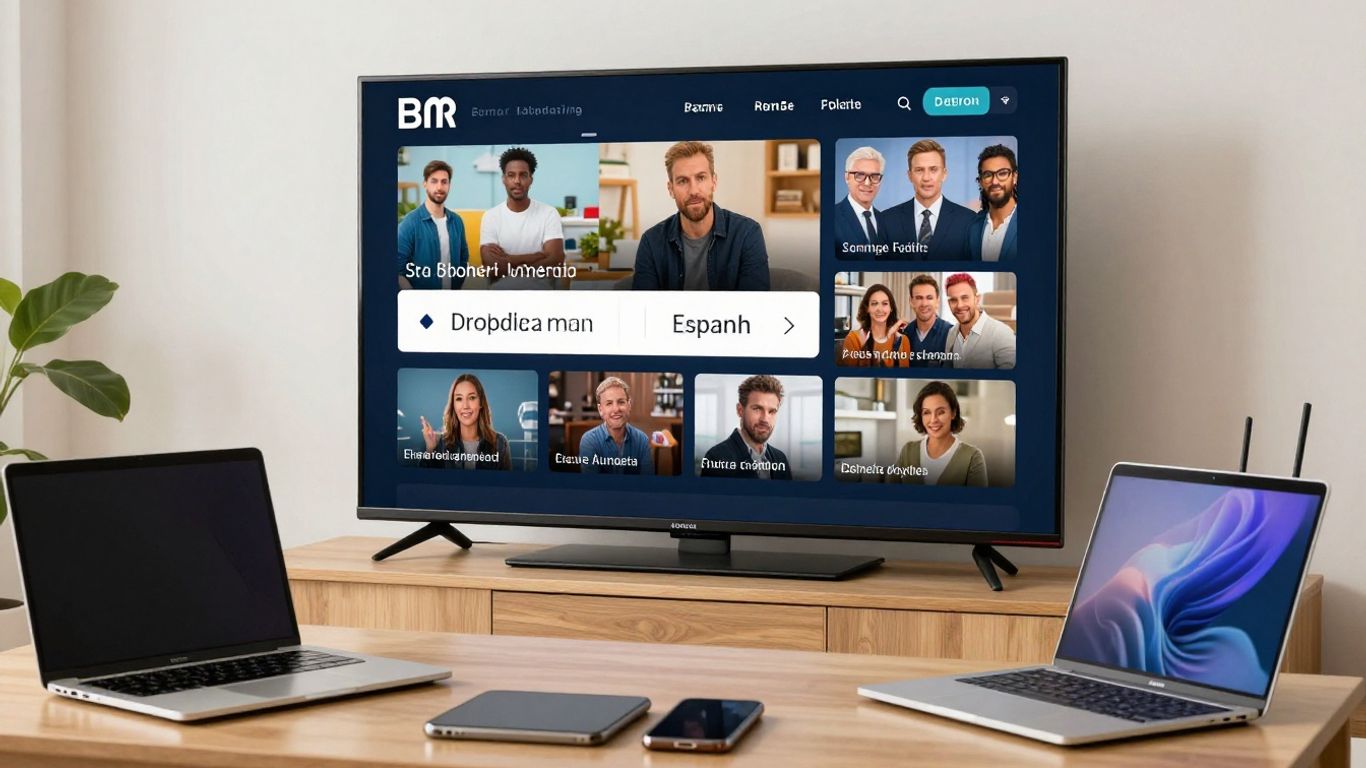
Watching ViX outside the United States usually depends on regional availability, licensing, and how accurately a service identifies your location. A VPN may help in some cases, but it cannot guarantee access to every program or replace a valid subscription. What each provider claims about this is covered in our ExpressVPN review.
Check whether ViX and the specific title you want are available in your region.
Choose a VPN with reliable US servers, stable speeds, and support for your device.
Test browser, app, GPS, and DNS settings if ViX detects your connection.
Use router or Smart DNS options carefully when watching on a television.
Respect ViX’s terms, local law, payment rules, and changing content rights.
Check whether ViX is available in your country
ViX availability varies by country, and the catalog you see can change with your location. Before subscribing to a VPN, check whether the ViX website or app loads normally where you are and whether the program you want appears in the catalog. This quick check prevents you from paying for a workaround that may not solve the actual problem. The details per service are in the individual VPN reviews.
ViX’s regional catalog and licensing restrictions
Streaming rights are negotiated by territory, so a show, film, or sports event may be available in one country but absent in another. ViX can also change its catalog when licenses expire or new agreements take effect. A VPN changes the apparent network location; it does not change the underlying rights attached to a title.
Free and paid content differences by location
Free, ad-supported programming and paid content may not follow the same availability rules. You may be able to view some free material without an account while premium titles require a subscription, and both offers can vary by country. Check the access message and account requirements for the exact title rather than assuming that a free page reflects the full catalog.
How to confirm access before choosing a VPN
Open ViX without a VPN and search for the title, event, or channel you want. Note whether the site displays a regional restriction, asks you to sign in, or simply omits the program. You can then compare that result with the service’s official help pages and the VPN’s current device and server information.
Why a US IP address may not unlock every title
A US IP address is only one location signal, and it may not be enough to satisfy every access check. ViX can also rely on account details, application data, browser settings, or payment information. Even when a US connection works, the title may still be unavailable because its rights differ within the service’s catalog.
Choose a VPN for ViX carefully
The best VPN for this use is not necessarily the one with the largest server-count claim. You need accurate US locations, enough capacity for video, dependable applications, and clear privacy practices. A useful VPN provider ranking can help you compare those basics without treating streaming access as a permanent promise.
US server coverage, location accuracy, and IP reputation
Look for several US server locations rather than a single crowded endpoint. Location accuracy matters because a server labelled as American may still be identified incorrectly by a streaming platform. IP reputation matters too: addresses used by many VPN customers are more likely to be recognized and restricted.
Streaming performance, bandwidth, and connection stability
Video quality depends on the complete connection between your device, the VPN server, and ViX. A nearby server may be faster than a distant one, while a busy server can cause pauses even when your home broadband is quick. Stable performance matters most when you are watching a long program rather than testing a short clip.
Device support for browsers, phones, smart TVs, and streaming sticks
Confirm that the VPN supports the device you actually intend to use. Desktop and mobile apps are usually simpler to test, while smart TVs and streaming sticks may require a dedicated app, a shared connection, or router configuration. Also check whether the ViX application itself is available through your device’s local app store.
Why free VPNs may be unreliable or unsafe for ViX
Free VPNs often provide fewer locations, impose data or speed limits, or operate with crowded addresses. Some also raise privacy questions through advertising, excessive permissions, or unclear data practices. A free service may be suitable for occasional browsing, but video access requires you to examine its ownership, privacy policy, limits, and security model first.
Set up a VPN and access ViX
The basic process is straightforward: install a reputable VPN, connect to an appropriate location, and then open ViX. The order matters because opening the service first can leave old location data in the browser or app. Treat the first connection as a test, not as proof that every title will remain available. That comparison is set out in our NordVPN review.
Creating a ViX account from outside the United States
You may be able to browse free content without creating an account, but premium access can require registration and payment. Use accurate personal and billing information, and review the subscription terms before paying. A VPN should not be used to misrepresent eligibility or evade a payment restriction.
Installing the VPN on Windows, macOS, Android, and iOS
Download the application from the VPN provider or the official platform store, then sign in and review its permissions. On phones, remember that an app can use more than your IP address to infer location. Installing the VPN does not automatically install ViX, whose availability may depend on the country assigned to your Apple or Google account.
Connecting to a suitable US server
Choose a US location and wait for the VPN to confirm the connection before opening ViX. If the first endpoint is blocked or slow, disconnect fully and try another US location. Keep a short note of which servers work, since availability can change without notice.
Opening ViX in a browser or supported app
For a browser test, open a private window after connecting and visit ViX directly. For an app, close it completely before connecting, then reopen it so it can request location and session information again. If the service still shows a restriction, do not assume that repeatedly refreshing will fix it; move to troubleshooting instead.
Watch ViX on TVs and streaming devices
Television hardware can make regional streaming more complicated because the screen, app, network, and location services may each behave differently. Start by testing the VPN on a computer or phone, then move to the television once you know the account and connection work. This approach narrows the cause when playback fails.
Using VPN apps on Android TV and Fire TV
If your Android TV or Fire TV model offers the VPN application in its official store, install it there and sign in. Connect before opening the ViX app, and close ViX first if it was already running. App availability, VPN support, and regional store rules differ by device model, so check the manufacturer and provider documentation.
Sharing a VPN connection with Apple TV and other devices
Some devices do not offer a native VPN application. You may be able to share a VPN connection from a compatible computer or phone, but that adds another wireless or network link and can reduce stability. Test the shared connection with a simple website before opening ViX, and remember that shared networking does not remove app-level location checks.
Configuring a VPN on a compatible router
A VPN-enabled router can cover several devices at once, including hardware without a VPN app. Router setup requires the provider’s configuration details and a compatible firmware or model, and incorrect settings can affect every device in your home. Create a separate device group or test network if your router supports it, so ordinary browsing is not disrupted.
When Smart DNS is useful and when it is not
Smart DNS can reroute selected DNS requests without encrypting all traffic like a VPN. That may help on a device with no VPN support, but it does not provide the same privacy protection and may not satisfy IP, GPS, or application checks. Use it only when you understand which signals the service requires and what traffic remains outside the encrypted connection.
Troubleshoot common ViX VPN problems
A failed connection does not always mean the VPN is defective. ViX may be responding to a known VPN address, stale browser data, a mismatch between IP and GPS, or an account issue. Change one variable at a time so you can identify the real cause.
What to do when ViX detects the VPN
If ViX displays a proxy or VPN warning, disconnect and close the browser or app. Reconnect to another suitable US server, then start a fresh session. If several servers fail, the addresses may be recognized as VPN traffic, and waiting or using the service without a VPN may be the only practical option.
Switching servers and clearing location data
Try a different city or server rather than reconnecting repeatedly to the same endpoint. Clear site cookies and cached location data, or use a private browser window for a controlled test. On mobile, force-close the app and clear its cache where the operating system provides that option.
Fixing GPS, browser, and app-location conflicts
A VPN changes your public IP address but may not change GPS coordinates, Wi-Fi positioning, or the country attached to an app store account. Disable location access for the test only where appropriate, and check browser location permissions. Do not expect this to override every restriction; it simply removes one possible source of conflicting information.
Resolving buffering, playback errors, and sign-in issues
First test your normal connection without the VPN, then compare it with a nearby VPN server. Reduce other network traffic, update the app, and sign in again only after the connection is stable. The following sequence keeps troubleshooting practical:
Confirm that ordinary internet access is working.
Reconnect to a less busy US server.
Restart the browser, app, or streaming device.
Test a different title to separate account and catalog issues.
If the problem follows your account across devices, contact ViX support rather than repeatedly changing VPN settings. If it occurs only on one television, focus on that device’s app, network, and firmware.
Improve streaming quality and protect your account
A working VPN is not automatically a private or high-quality setup. You should review the protocol, leak protection, account security, and application source before settling into regular viewing. Small configuration choices can affect both reliability and the amount of information exposed.
Choosing the right VPN protocol for video streaming
Use a current protocol supported by the provider and your device, then compare it with another supported option if playback is unstable. The fastest protocol on paper may not be the most consistent on your particular network. Keep automatic updates enabled, since protocol implementations and security fixes change over time.
Balancing speed, encryption, and server distance
A nearby US server may reduce delay, but the best choice depends on your physical location and the provider’s routing. Strong encryption can add some overhead, although the larger problem is often congestion or a poor route. Select the closest suitable location, then check actual playback rather than relying only on a speed-test number.
Preventing DNS and IPv6 leaks
Check that DNS requests and IPv6 traffic follow the VPN connection if your provider offers leak protection. A leak can reveal a network location that conflicts with the VPN’s US IP address. Browser WebRTC settings can also expose local network details, so test the complete setup rather than checking only the address shown on one website.
Avoiding suspicious free VPNs, unofficial apps, and pirated streams
Install ViX and VPN software only from official stores or the provider’s verified website. Avoid modified applications, copied login pages, and unofficial streams that may collect credentials or distribute malware. Protect your account with a unique password and multi-factor authentication when available.
Understand the limits of watching ViX abroad
A VPN can alter the apparent source of your connection, but it does not erase territorial licensing or contractual conditions. Access may work today and fail after an address list or rights agreement changes. You should therefore treat VPN viewing as a technical possibility, not a guaranteed entitlement.
ViX terms of service and VPN use
Read the current ViX terms before using a VPN, particularly if you plan to subscribe or watch paid programming. A service may restrict certain methods of access even when the application technically loads. If you are unsure, ask ViX directly or choose an officially supported viewing method.
Why a VPN cannot bypass every payment or subscription restriction
Payment processors can check billing country, card details, tax information, or account history. A VPN changes network routing but does not make an overseas payment method valid for a particular offer. Do not create inaccurate billing information simply to complete a subscription.
What happens when content rights change
A title can disappear, move between free and paid access, or become limited to another territory when rights change. Server changes cannot restore a license that the platform no longer holds in the location you are presenting. Recheck the catalog and the provider’s own availability information when a previously working program stops playing.
Legal alternatives if ViX remains unavailable in your region
If access remains blocked, look for an official local broadcaster, licensed video store, or legitimate subscription package carrying the same program. You can also contact ViX support and ask whether service expansion or an approved distribution partner is planned. Those options may be less convenient, but they avoid uncertain access and account consequences.
Conclusion
To watch ViX outside the United States, first confirm the catalog and subscription rules for your situation, then test a VPN with accurate US locations on the device you plan to use. Expect occasional detection, changing rights, and app-location conflicts, and keep an official alternative in mind when a VPN does not provide reliable or permitted access.
Frequently Asked Questions
Can you watch ViX outside the United States?
Possibly, depending on your country, the title you want, and the service’s current licensing and account rules. Availability can differ between free and paid content.
Do you need a VPN to watch ViX abroad?
Not always. If the service is officially available in your country, you may be able to watch it without one; a VPN is mainly considered when regional access differs.
Will every US server work for streaming?
No. Streaming platforms may recognize and restrict some VPN addresses, while others may be congested or geolocated incorrectly. Switching endpoints can change the result.
Can a VPN change the ViX catalog permanently?
No. A VPN changes network routing, not licensing agreements. The catalog can still change because of territory, subscription status, or expired rights.
Why does a streaming app still know your location?
Apps may use GPS, Wi-Fi positioning, account information, device settings, or app-store region data in addition to your IP address. Conflicting signals can cause access problems.
Is Smart DNS the same as a VPN?
No. Smart DNS generally redirects selected requests, while a VPN encrypts traffic through a remote server. Smart DNS may be useful for some devices but does not provide identical privacy or location handling.
What should you do if access stops working?
Check the account and title first, then test the connection without the VPN, clear stale app or browser data, and try another server. If the restriction persists, use an official alternative or contact the service.
Related reading
The structure of regional rights is the same wherever you look; see how to follow a sport across markets.
For a provider with a wide choice of server countries, see our NordVPN review.
What each provider costs and retains is in the ranking.
If you make a purchase via one of these links, we may earn a commission, at no extra cost to you. Learn More

