Business VPN vs Personal VPN: Two Different Products
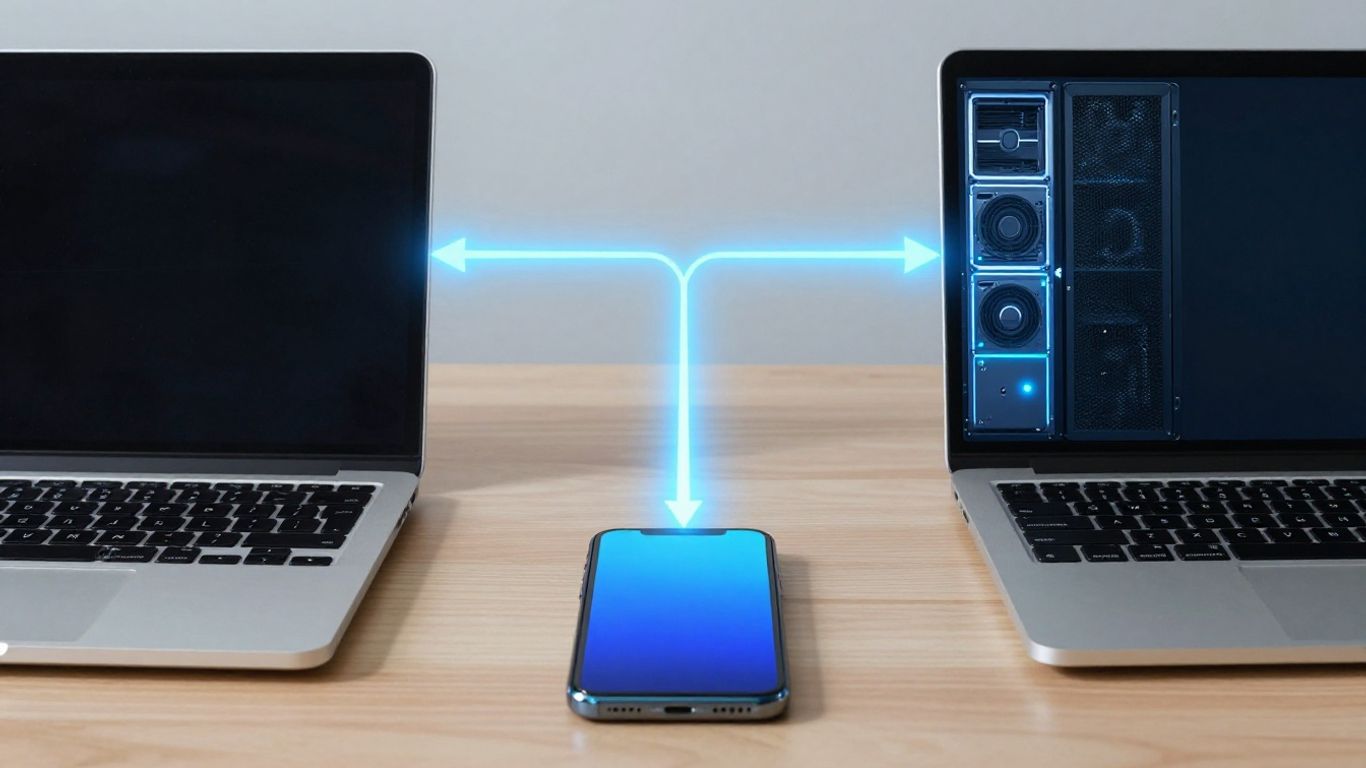
A business VPN and a personal VPN may use similar encryption, but they exist for different decisions. The first controls access to organizational resources; the second mainly protects an individual's internet connection. That comparison is set out in our reviews of each service.
A business VPN connects authorized users or devices to private company resources.
A personal VPN usually routes internet traffic through a provider's server for privacy on untrusted networks.
“Device VPN” describes an installation or management context, not one universal product category.
Using two VPNs can create routing, DNS, and reliability problems.
Choose based on whether you need private access, traffic privacy, or both.
Device VPN vs personal VPN: start with the terminology
The phrase “device vpn vs personal vpn” sounds like a comparison between two fixed product types, but the terminology is less tidy. “Personal VPN” generally describes an individual service, while “device VPN” may refer to a VPN configured on a phone or computer by an employer, school, or the device owner. The difference is therefore about purpose and control as much as technology. What each provider claims about this is covered in the full VPN comparison.
What “business VPN” usually means in practice
A business VPN is normally an organization-managed connection to private applications, internal networks, or services that should not be openly reachable from the internet. Your employer may assign accounts, certificates, routes, and security rules through a central administration system. The VPN is part of an access model, not simply a privacy switch for everything you do online.
A work connection can also provide a consistent path for internal DNS, authentication, and monitoring. That does not mean every business VPN works the same way. The design depends on the applications involved, the company's network, and whether access is granted broadly or only to particular services.
Why “device VPN” is not a standard product category
“Device VPN” is often used to distinguish a VPN installed on an endpoint from a VPN connecting two offices or data centers. It can describe a managed profile on a company laptop, a mobile configuration created by an operating system, or a consumer app installed by an individual. The label alone tells you very little about who operates the gateway or what traffic is routed.
You may also see different operating-system labels for VPN configurations. For a useful explanation of tunneling, protocols, split tunneling, and DNS leaks, consult this VPN terminology glossary. The practical question is not what the settings screen calls the connection, but what the connection is authorized to reach.
How managed-device VPN profiles differ from consumer VPN apps
A managed profile can be pushed to your device, updated remotely, and tied to company identity or compliance rules. An administrator may prevent you from changing the gateway, require an always-on mode, or specify which applications use the tunnel. A consumer app normally gives you more direct control over locations, connection timing, and privacy settings.
The distinction also affects support. If a work profile fails, the organization may inspect configuration, credentials, device status, and network routes. If a personal app fails, you are usually responsible for changing servers, permissions, or protocol settings yourself.
Why the same VPN protocol can serve different purposes
Protocols such as IKEv2, OpenVPN, and WireGuard describe how a tunnel is established and carries traffic. They do not determine whether the tunnel is for corporate access or personal privacy. The gateway, authentication method, routing policy, and administrative purpose matter just as much.
That is why protocol names should not be treated as product descriptions. Two connections using the same protocol can expose completely different resources and create very different logging and trust arrangements.
Compare the problems each VPN is designed to solve
The cleanest comparison starts with the problem you are trying to solve. A business VPN helps an authorized person reach something private; a personal VPN usually changes how that person's internet traffic reaches the public web. Both can encrypt traffic between a device and a gateway, but the destination and decision-making behind the tunnel differ. That comparison is set out in our ExpressVPN review.

Business VPNs for private application and network access
If you need an internal file service, administrative application, or private development system, a business VPN can provide a controlled path to that resource. Access may be limited by user, device, group, application, or network segment. The purpose is not necessarily to hide your browsing from the organization; it is to make legitimate access possible while reducing public exposure.
For a user, that often feels like signing in to work and then opening an application that would otherwise be unreachable. The organization remains responsible for deciding which resources are available and under what conditions.
Personal VPNs for privacy on untrusted networks
A personal VPN can be useful when you do not want a local Wi-Fi operator to receive your traffic directly, particularly on a network you do not control. It creates an encrypted connection to the provider's gateway, after which traffic continues toward its internet destination. The provider therefore becomes an important party in your trust model.
It does not make every website anonymous, remove tracking, or secure an account whose password has been compromised. Website encryption, device security, browser settings, and account practices still matter.
The difference between access control and traffic concealment
Access control asks, “May this user or device reach this resource?” Traffic concealment asks, “Which local network can observe the connection, and which gateway receives the traffic next?” A business VPN is primarily about the first question. A personal VPN is more often about the second.
Encryption alone is not authorization. A tunnel can protect data in transit while the destination still rejects you, or while an organization has no reason to trust the device beyond the successful connection.
Where remote access, site-to-site VPNs, and ZTNA fit
Remote-access VPNs connect individual devices to organizational resources. Site-to-site VPNs connect networks, so users may not interact with a VPN app at all. Zero-trust network access, often called ZTNA, usually focuses on narrowly granting application access rather than placing a device broadly inside a network.
These approaches can overlap in an architecture, but they are not interchangeable labels. Your requirement may be a private application path rather than a general network tunnel, especially when least-privilege access is the goal.
A comparison becomes clearer when you separate the main job of each connection:
Private application access is about authorization and reachability.
Public-network protection is about the path between your device and a gateway.
Network-to-network connectivity is about linking locations or environments.
Identity and device checks determine whether access should continue.
This distinction prevents you from buying a privacy service for a corporate access problem, or expecting a work tunnel to provide personal anonymity.
How business and personal VPNs handle identity and trust
The word “secure” can hide several different decisions. A business connection may identify you, verify your device, check policy, and then permit access to a defined resource. A personal connection may authenticate your subscription and establish an encrypted route, but that does not make the public websites you visit trust you.
User accounts, device certificates, and company identity providers
Businesses can connect VPN access to employee accounts, multifactor authentication, device certificates, or a company identity provider. These controls help administrators link a connection to a person or managed endpoint and revoke access when circumstances change. A personal VPN account generally identifies you as a customer of the service rather than as an approved user of a private company system.
The exact combination varies. A certificate may identify a device, while an identity provider confirms a user, and the VPN gateway may evaluate both before completing the connection.
Encryption in transit versus authorization to use resources
Encryption protects the tunnel while data travels between endpoints. Authorization determines whether the user may access an internal application, a subnet, or a particular service. Treating those as one feature leads to poor decisions: a perfectly encrypted connection can still be over-permissioned or incorrectly configured.
For personal use, the relevant question is often who operates the gateway and what information that operator can associate with your account. For business use, the relevant question is often whether access is limited to what your role requires.
Device posture checks, compliance policies, and conditional access
A managed environment may consider whether the device is encrypted, updated, enrolled, or protected by required security software. Conditional access can then allow, limit, or deny a connection based on those signals, location, identity, or risk. A consumer VPN app normally does not decide whether your laptop meets an employer's internal compliance standard.
You should also distinguish a device policy from a privacy promise. A policy may improve the organization's security without reducing what the organization can observe about traffic sent through its systems.
Why a VPN connection does not automatically make a device trusted
A VPN confirms that a tunnel was established under some authentication rules. It does not prove that the device is free of malware, that the user is acting appropriately, or that every reachable resource should be available. Trust is a continuing decision built from identity, device state, permissions, and application behavior.
That is why a connected status indicator should never be read as a complete security assessment. It is evidence of connectivity, not a blanket safety certificate.
What happens to traffic, logs, and visibility
Traffic behavior is where two apparently similar VPNs can feel completely different. Some connections route only work destinations, while others send nearly all traffic through one gateway. Logs may exist at several points, and privacy depends on who controls each point and what rules apply.

Which traffic a business VPN typically routes
A business VPN may route traffic to internal subnets, private applications, company DNS services, or selected destinations. The configuration can be narrow or broad. You should not assume that a work connection carries all browsing traffic, nor assume that personal traffic stays outside it without checking the routing policy.
The answer is visible in configuration and operating-system behavior rather than in the word “VPN.” Administrators may also use application-specific routing or policies that change depending on the network you are using.
Full-tunnel and split-tunnel trade-offs
With a full tunnel, internet traffic generally travels through the organization's gateway, which can simplify monitoring and policy enforcement but may add latency and consume business network capacity. With split tunneling, selected traffic uses the work tunnel while other traffic travels normally. Split tunneling can improve performance, but it requires careful route and DNS design.
A simple comparison helps when you are discussing requirements with IT:
Routing model | Typical path | Main advantage | Main concern |
|---|---|---|---|
Full tunnel | Most traffic through one gateway | Centralized policy and visibility | More latency and gateway load |
Split tunnel | Only selected traffic through the tunnel | Better local performance | More configuration complexity |
Application route | Specific apps or services use the tunnel | Narrower access scope | Compatibility and support work |
No VPN | Direct connection to the destination | Simplicity and speed | No private route to internal resources |
The right model depends on the resources and risks involved. A personal VPN may also offer full- or split-tunnel choices, but its policy objective is usually different from an employer's routing requirement.
What an employer, VPN provider, and internet service provider may see
Your internet service provider may see that you connect to a VPN gateway and may still observe ordinary connection metadata outside the tunnel's protection. A personal VPN provider may see traffic arriving at its gateway and can associate some activity with an account or connection, depending on its architecture and policies. An employer may see traffic that traverses company infrastructure, including connection metadata and possibly destinations permitted by its systems.
The tunnel changes visibility; it does not erase it. Read the relevant privacy notices and workplace policies instead of assuming that one party sees nothing.
Why privacy claims depend on policies, architecture, and jurisdiction
“No logs” is not a complete technical explanation. You need to know what is collected, for how long, how accounts are linked, whether infrastructure is operated directly or through another party, and which legal jurisdiction applies. A provider's marketing statement should be tested against its published policy and, where available, independent evidence.
The same caution applies at work. A business may have legitimate operational, security, and compliance reasons to retain connection records. Personal privacy and corporate accountability are different objectives, and neither should be inferred solely from the presence of encryption.
Compare the practical experience on phones and computers
The user experience depends less on the word “VPN” than on who controls configuration and how the operating system handles tunnels. Phones often impose stricter limits on background activity, while computers may run several network tools at once. In both cases, a connection can be technically active yet unsuitable for a particular application.
Installation, configuration, and ongoing management
A personal app is typically installed by you, with a subscription or account and a choice of server or location. A business profile may be installed through device management, with settings that you cannot edit. Updates, certificate renewal, and troubleshooting may also be handled centrally rather than through your own app controls.
Before changing a work profile, check with IT. A manual adjustment can remove a required route, break authentication, or leave the device outside the supported configuration.
Performance, battery use, and connection reliability
A VPN adds processing and another network endpoint, so performance depends on distance, congestion, protocol, device resources, and the quality of the underlying connection. Mobile handoffs between Wi-Fi and cellular networks can trigger reconnection. Always-on settings may also affect battery use.
You should test the actual locations and applications that matter to you. A fast connection to a public website says little about the reliability of a private business application over the same tunnel.
Compatibility with streaming, banking, and workplace applications
Some services react to shared VPN addresses, unusual locations, or automated traffic patterns. Banking systems may request extra verification, while streaming services may restrict access or change available content. Workplace applications can fail when DNS, certificates, or routes do not match the expected environment.
A personal VPN is not a guarantee of access to every service. If a work application stops functioning, disabling security controls at random is a poor first step; identify whether the failure is caused by routing, DNS, authentication, or policy.
What happens when a personal VPN conflicts with a business VPN
Most operating systems do not treat two active VPN tunnels as two independent layers that automatically cooperate. One may take control of the VPN slot, while another app may use an extension, reject the connection, or create competing routes. The result can be a failed login, unreachable local printer, broken DNS, or traffic taking an unintended path.
The visible symptom is often “the internet is down,” but the underlying issue may be route priority or name resolution. Record which connection was active when the problem began and follow the supported troubleshooting process.
When using both VPNs makes sense, and when it does not
Running a business VPN and a personal VPN can be reasonable, but only when their roles are understood and the device supports the arrangement. On a personal computer, you may want privacy for ordinary browsing and a separate path to work resources. On a managed computer, company policy may prohibit an additional tunnel altogether.
Common scenarios for a personal device and a work-managed device
A personal device used on public Wi-Fi may use a personal VPN for the device owner's internet traffic. A company-managed laptop may use a business VPN for internal applications. If you use your own device for work, the organization may instead require a managed profile, a secure application gateway, or a separate workspace.
The ownership of the device does not settle the question. Written policy, the resources involved, and the sensitivity of the work determine what is acceptable.
Why two VPNs may be required for layered access
Two tunnels may serve genuinely separate purposes: one protects a general connection to a privacy provider, while the other reaches an employer's private environment. In some designs, the business tunnel must be established first or must bypass the personal tunnel. In others, simultaneous use is unsupported because the applications cannot coordinate routes.
Ask for an approved configuration rather than assuming that adding encryption always adds protection. Layering can increase complexity without improving the security outcome.
Routing conflicts, DNS issues, and blocked local services
Common failures include a personal VPN capturing a route intended for work, a business DNS server being unreachable, or local devices becoming inaccessible because traffic is forced through a remote gateway. Split tunneling can reduce some conflicts, but it can also create leaks or inconsistent behavior if poorly configured.
On a phone, the operating system may give one VPN configuration priority. On a computer, endpoint security software may enforce routes or block changes. These are configuration questions, not proof that either product is defective.
Safer alternatives to stacking VPN apps
When two full-device VPNs conflict, consider a supported application-specific connection, browser-based access, a remote desktop gateway, or ZTNA for the particular work application. A separate work device is often simpler than trying to make two policy systems coexist on one endpoint.
Before choosing an alternative, confirm what resource must be protected and who must administer it. Fewer overlapping controls are usually easier to audit and troubleshoot.
Choose the right product for the actual requirement
The right choice follows from the destination, trust relationship, and administrator. If you want privacy on public Wi-Fi, evaluate a personal service and its policies. If you need company resources, ask for the organization's approved access method. If you need both, confirm whether one device can support both without violating policy.
Questions to ask before buying a personal VPN
Ask where the provider operates gateways, what information it collects, how long records are retained, and how accounts are linked to connections. Check whether the apps support your devices and whether the provider clearly explains full-tunnel, split-tunnel, DNS, and kill-switch behavior.
Do not treat a large server list or a low introductory price as evidence of privacy. The product should match your actual need: protection on untrusted networks, a different apparent network location, or another clearly defined purpose.
Questions IT teams should ask when selecting a business VPN
IT teams should define which users, devices, applications, and networks require access. They should also ask how identity, certificates, multifactor authentication, device posture, revocation, logging, DNS, routing, and incident response are handled. Support for the organization's operating systems and device-management tools matters as much as protocol choice.
Testing should include ordinary failure conditions: expired credentials, lost devices, weak connections, changed permissions, and access from an unmanaged endpoint. A tunnel that works only in a demonstration is not a finished access design.
Warning signs in consumer and business VPN marketing
Be cautious when a provider promises absolute anonymity, treats encryption as a complete security solution, or gives no meaningful explanation of logging. Business marketing deserves the same skepticism when it suggests that connecting a device automatically creates trust or that one product fits every remote-access scenario.
Specific documentation is more useful than adjectives. Look for architecture, policy boundaries, authentication details, and limitations that you can verify.
A decision framework for individuals, small teams, and enterprises
Start by writing the requirement in one sentence. Then map the required destination, the person or team responsible for access, and the traffic that should use the tunnel. A practical decision can follow four steps:
Identify whether the goal is private resource access, public-network privacy, or both.
Determine who operates the gateway and who can change its policies.
Check device ownership, operating-system support, identity controls, and logging expectations.
Test routes, DNS, application compatibility, and failure recovery before wider deployment.
This approach keeps the purchase tied to a real security and access problem. It also makes clear when you need one product, two coordinated controls, or no VPN at all.
Conclusion
A business VPN and a personal VPN can both create encrypted tunnels, but they answer different questions. Use the business model for controlled access to private resources, the personal model for an individual's chosen privacy needs, and do not combine them without checking routing, policy, and trust. The product name matters less than the gateway, the identity model, and the traffic that actually travels through it.
Frequently Asked Questions
Is a device VPN the same as a personal VPN?
No. “Device VPN” usually describes where or how a connection is configured, while “personal VPN” describes an individual-oriented service. A device can run a business-managed VPN or a personal one.
Does a business VPN hide my browsing from my employer?
Usually, you should not assume that. Traffic sent through employer-managed infrastructure may be visible under workplace policies and technical logging systems. Check the organization's policy and routing configuration.
Does a personal VPN let me access company applications?
Not normally. A personal VPN may change your route to the public internet, but company applications generally require the organization's own authentication, gateway, or access service.
Can two VPNs run at the same time?
Sometimes, but support varies by operating system, application, and configuration. Two full-device tunnels may compete for routes, DNS, or the system VPN slot.
Which VPN is better on public Wi-Fi?
A personal VPN may help protect the connection between your device and its provider gateway on an untrusted network. You should still use encrypted websites, secure accounts, current software, and device protections.
Does VPN encryption make my device trusted?
No. Encryption protects data in transit between tunnel endpoints. Trust also depends on identity, device condition, permissions, application controls, and organizational policy.
Should a small business use a business VPN or ZTNA?
That depends on the applications, network design, user groups, device controls, and required access scope. A narrowly defined application-access model may be preferable when users do not need broad network reachability.
If you make a purchase via one of these links, we may earn a commission, at no extra cost to you. Learn More

