Best VPN for Android: What Matters and What Is Marketing

The best VPN program for Android is not necessarily the one with the loudest advertising. Judge it by the risks you face, the evidence behind its privacy promises, and how reliably it works on your devices. The details per service are in what we write about ExpressVPN.
Define what you want the VPN to protect before comparing providers.
Check Android permissions, leak protection, kill-switch behavior, and app settings.
Treat no-logs language as a claim that needs independent evidence.
Test speed and connection stability on the networks you actually use.
Read free-plan limits, subscription terms, ownership details, and audit reports.
1. Start with the threat model, not the VPN brand
The right VPN depends on what you are trying to prevent. You may mainly want protection on public Wi-Fi, less exposure to your internet provider, safer travel connections, or a separate IP address for ordinary browsing. Those are different goals, and a service that suits one may be unnecessary or unsuitable for another. For a side-by-side view, see the individual VPN reviews.
A VPN creates an encrypted connection between your device and a VPN server. That can reduce what a local network operator sees, but it does not make you anonymous. The VPN provider can still observe some connection information, websites can identify you through accounts or browser signals, and a VPN does not protect you from phishing, malware, or a compromised phone.
Write down your non-negotiables before looking at scores. Decide whether you need a free plan, several simultaneous devices, strong performance for video, access while travelling, or simply dependable protection at coffee shops. This short exercise keeps marketing features from becoming the decision itself.
2. Check the Android app’s privacy and security controls
Start with the Android app, not a desktop feature list. Look at the permissions it requests, whether the app explains why those permissions are needed, and whether its settings are understandable enough for you to verify. A clean interface is useful, but clear controls matter more than polished animation.
Check whether Android’s system VPN controls work as expected, including Always-on VPN and the option to block connections without the VPN. Also look for DNS and IPv6 leak protection, an app-level kill switch, automatic connection rules, and notifications when the tunnel drops. A visible failure warning matters because silent disconnection can leave you assuming that protection is still active.
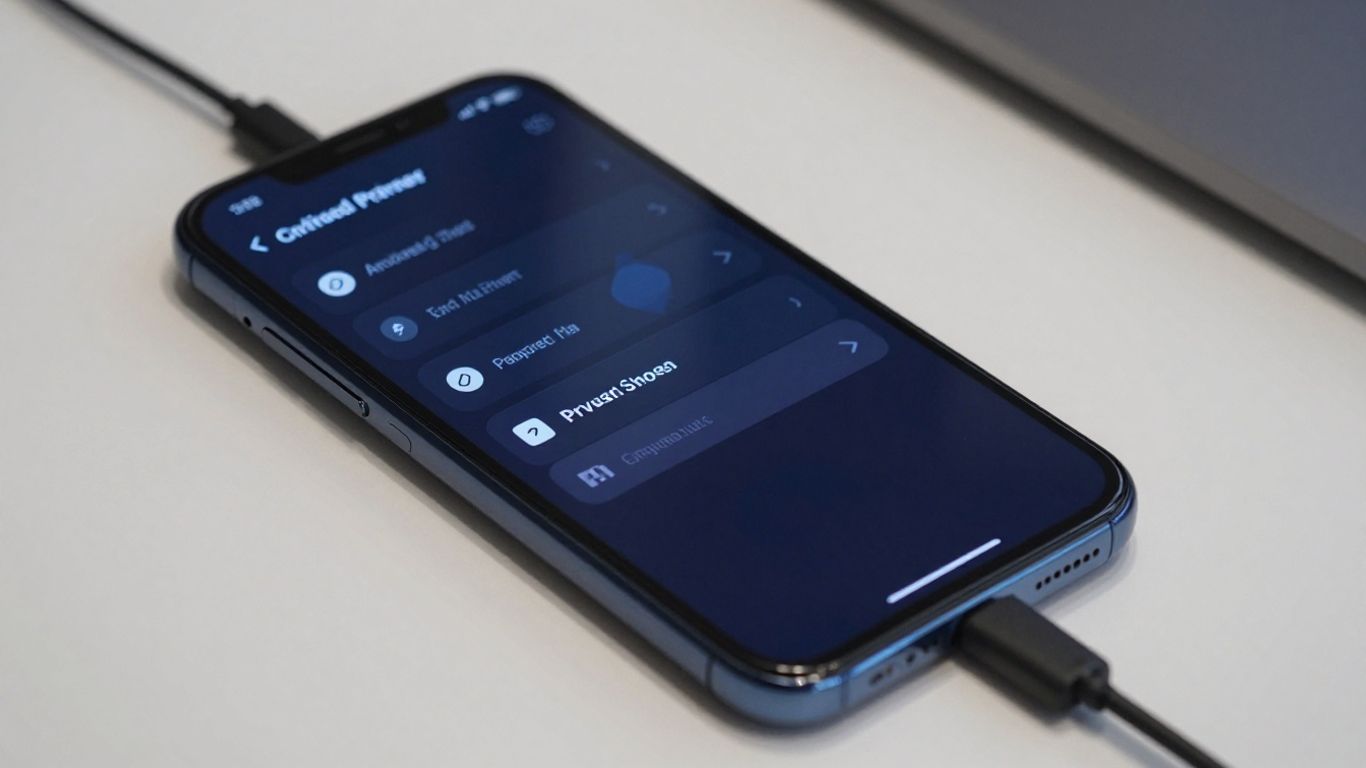
Test the controls rather than accepting their labels. Connect, switch between Wi-Fi and mobile data, disable the connection briefly, and visit a reputable leak-testing page. You can use this free VPN guide as background when building a shortlist, but verify current Android behavior in the app you intend to install.
3. Treat no-logs claims as evidence to verify
“No logs” is not a universal technical term. One provider may mean that it does not record browsing activity, while another may retain account, payment, diagnostic, or connection data. Read the privacy policy for definitions, retention periods, legal disclosures, and information that may be collected when you contact support.
Independent audits can make a claim more credible, but you still need to read what the audit covered. A review of server configuration is not necessarily a review of the Android application, and a one-time assessment does not prove that practices remain unchanged. Look for the audit firm, date, scope, limitations, and whether the full report or a meaningful summary is available.
Also examine the provider’s response to legal requests and security incidents. Transparency reports, warrant statements, and clear breach notifications do not guarantee perfect privacy, but they give you more evidence than a slogan on a landing page. If the policy is vague, evasive, or difficult to locate, treat that as a meaningful warning.
4. Compare VPN protocols, encryption, and leak protection
Your Android app may offer several protocols, such as WireGuard, OpenVPN, or an automatically selected option. The name alone is not enough; you should consider connection reliability, battery use, compatibility with restrictive networks, and whether the provider explains its implementation. A modern protocol can be efficient, but it still depends on the service’s servers and app configuration.
Encryption protects the tunnel while data travels between your device and the VPN server. It does not encrypt every part of your online life, and it does not make an untrusted app safe. Check whether DNS requests follow the tunnel, whether IPv6 traffic is handled, and what happens during a failed handshake or unexpected network change.
A kill switch should have a clearly described failure mode. Ideally, you can test whether traffic is blocked when the VPN connection is interrupted, rather than merely seeing a reassuring toggle in settings. If the provider cannot explain the scope of its leak protection, avoid assuming that the feature covers every Android connection.
5. Test real-world speed instead of trusting marketing scores
Speed claims are easy to misread because results depend on your location, server distance, time of day, phone, network, and test server. A headline percentage may describe an unusually favorable setup. What matters is whether ordinary browsing, video calls, downloads, and streaming remain comfortable on your own connection.
Run several tests with and without the VPN. Repeat them near your home router, on mobile data, and at the times you normally use the service. Record download speed, upload speed, latency, and whether pages actually load consistently. A slightly slower connection may be preferable if it reconnects quickly and does not interrupt every mobile handoff.
Do not ignore battery and heat. Continuous encryption and background activity can affect a small phone more than a powerful laptop. Test the app for a full commute or work session, then check battery use in Android’s settings. Practical comfort is part of performance, not an afterthought.
6. Look for reliable connections on phones, tablets, and changing networks
Android devices move between networks more often than desktop computers. Your phone may shift from home Wi-Fi to mobile data, a tablet may wake from sleep, and a train journey may expose the app to repeated signal changes. A VPN that performs well in one stationary test can still be frustrating if it loses the tunnel during ordinary movement.
Check how quickly the app reconnects after sleep, airplane mode, Wi-Fi changes, and weak signal. You should also see whether the VPN status is obvious in Android’s notification area and whether the app tells you when it is reconnecting. These small details determine whether you notice a protection gap.
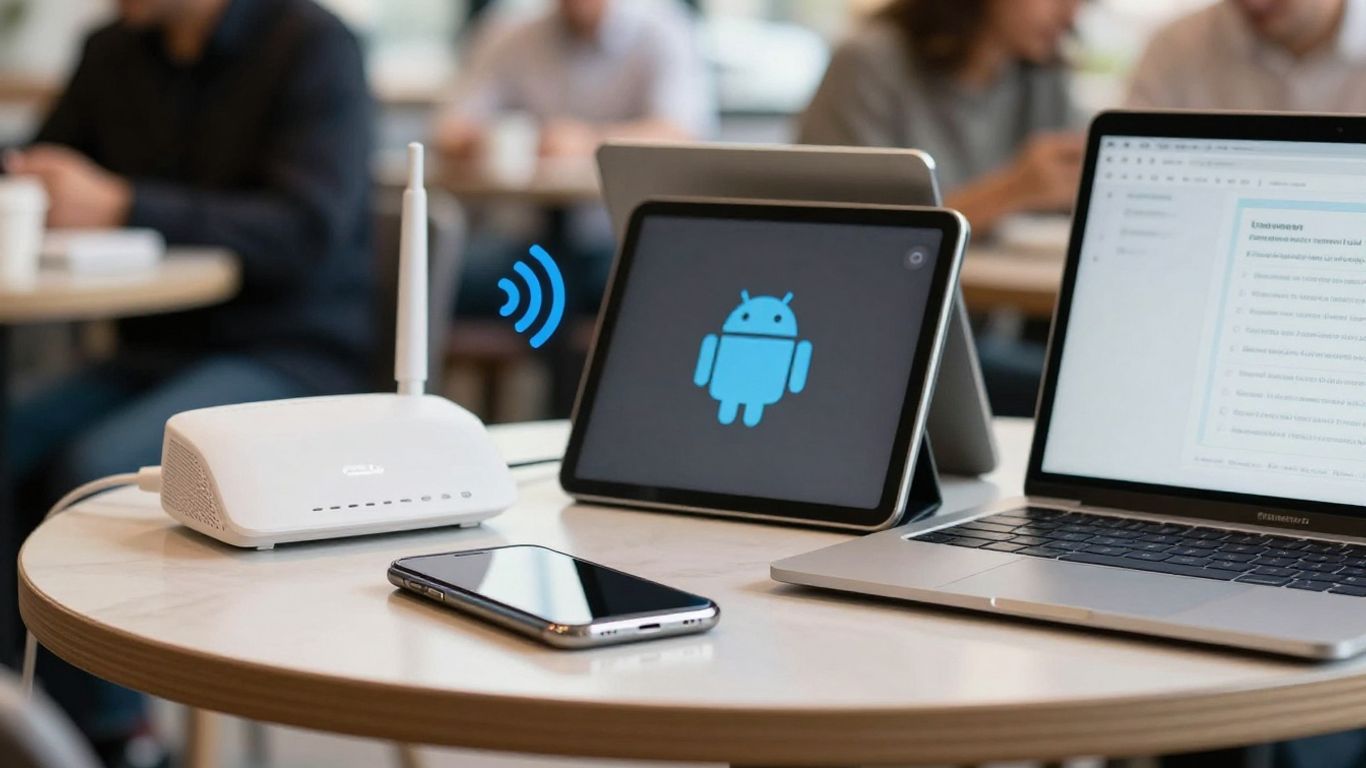
Use the same route and routine for a realistic trial. Test at home, at work, on mobile data, and on a public network where you are legally allowed to connect. If you need guidance beyond Android, a broader VPN privacy resource can help you understand the trade-offs, but your final judgment should come from the devices and networks you actually use.
7. Separate useful Android features from gimmicks
Useful features solve a problem you can describe. Split tunneling can let selected apps use the normal connection while other traffic uses the VPN, which may help when a banking or local-service app behaves poorly through a VPN. Automatic connection rules, trusted-network controls, and a clearly implemented kill switch can also reduce daily friction.
Other features deserve more scrutiny. An ad blocker may be helpful, but DNS-based blocking is not the same as comprehensive browser or device security. A rotating IP address may affect access, yet it does not erase account identifiers or tracking cookies. Extra buttons and dramatic labels should not outweigh basic reliability.
Make a feature earn its place by testing it. Turn on one setting at a time, check which apps it affects, and see whether it changes battery use or connection behavior. If you cannot explain when you would use a feature, it should not drive your purchase decision.
8. Evaluate free VPN plans, subscriptions, and hidden limits
A free VPN can be reasonable for occasional use, but “free” describes a price, not a privacy standard. Check the business model, data allowance, server access, speed restrictions, advertising, device limits, and whether the free tier uses the same technical protections as paid accounts. A limited plan may be perfectly adequate if your need is occasional public-Wi-Fi protection.
Before subscribing, read the renewal price rather than only the introductory offer. Confirm the refund conditions, billing interval, simultaneous connections, supported Android versions, and rules for cancelling through Google Play or another payment channel. Keep a copy of the terms shown at purchase because promotional pricing can change at renewal.
A simple comparison helps expose trade-offs:
Plan detail | What to check | Why it matters |
|---|---|---|
Data allowance | Monthly cap or unlimited use | Determines whether regular browsing is practical |
Server access | Locations available on the free tier | Affects latency and travel usefulness |
Speed policy | Throttling or congestion rules | Explains why test results may vary |
Device limit | Phones, tablets, and simultaneous sessions | Prevents surprise restrictions |
The cheapest plan is not automatically the best value. Compare the total cost over the period you expect to use it, then weigh that cost against the privacy evidence and reliability you receive.
9. Compare independent audits, ownership, and company history
Ownership tells you who controls the service and may reveal changes in management, jurisdiction, or business priorities. It does not by itself prove that a VPN is unsafe or trustworthy. Treat it as context alongside the privacy policy, technical documentation, public incident record, and customer-support practices.
Independent audits are strongest when they are specific and repeatable. Look for reports covering infrastructure, applications, logging practices, or security controls, and distinguish an audit from a marketing badge. Pay attention to dates and qualifications: an old report may still be useful background, but it should not be treated as current proof.
Search for how the company handles mistakes. A provider that clearly explains a vulnerability, correction, and follow-up gives you more useful information than one that makes only absolute promises. You are assessing a continuing service, not awarding permanent trust based on a single review.
10. Choose the best VPN program for Android for your actual use case
Now rank the candidates against your original threat model. If you mainly use public Wi-Fi, prioritize leak protection, a dependable kill switch, and automatic reconnection. If you travel, focus on network compatibility and server availability where you need it. If you protect several devices, check simultaneous connections and whether the Android app receives the same core protections as other platforms.
Use a short final process rather than another round of marketing comparisons:
Install the app from the official Android store or the provider’s documented source.
Review permissions, privacy settings, protocol choices, and leak protection.
Test speed, battery impact, reconnection, and blocked-traffic behavior.
Read the plan limits, renewal terms, audit scope, and cancellation process.
After testing, choose the service that meets your actual requirements with the fewest unresolved questions. The best vpn program for android is therefore a practical fit, not a universal winner. If the app is unreliable, the privacy evidence is weak, or the price depends on terms you do not accept, keep looking.
Conclusion
Choosing an Android VPN is mainly an exercise in verifying ordinary details: what is protected, what is collected, how the app behaves when networks change, and what you will really pay. Start with your use case, test the service on your own devices, and let evidence, not rankings or dramatic claims, decide.
Frequently Asked Questions
Does an Android VPN make me anonymous?
No. A VPN can hide your traffic from some local observers and replace your visible IP address, but accounts, cookies, device signals, and the VPN provider itself can still connect activity to you.
Should you use a VPN on public Wi-Fi?
It can reduce the exposure of traffic on an untrusted network, especially when the network is poorly secured. You should still use HTTPS, updates, strong account security, and caution with links and downloads.
Is a free VPN safe for Android?
Some free plans may be suitable, but safety depends on their data practices, technical controls, advertising model, limits, and independent evidence. Do not assume that free means private or that paid means trustworthy.
Which VPN protocol should you choose?
Start with the protocol the provider documents clearly and that performs reliably on your networks. Consider speed, battery use, reconnection behavior, and compatibility rather than selecting a protocol solely because it is popular.
Do you need a VPN kill switch on Android?
A kill switch can prevent traffic from leaving through the ordinary connection when the VPN fails. Its value depends on how it is implemented, so test the behavior and understand whether it covers all device traffic or only selected applications.
Can a VPN improve mobile internet speed?
Usually you should not expect a VPN to make a slow connection faster. It may change routing and occasionally avoid a specific bottleneck, but encryption overhead, server distance, congestion, and mobile signal quality can also reduce performance.
How often should you review a VPN provider?
Review it when the app changes substantially, the company changes ownership, pricing or privacy terms are updated, or a new audit becomes available. Recheck permissions and settings after major Android or application updates.
Which of these actually matter depends on what you use the phone for. Our comparison of VPN services sets out how the providers differ on price, jurisdiction and what each one publishes about logging.
If you make a purchase via one of these links, we may earn a commission, at no extra cost to you. Learn More

